Start product validation
Tell us the filament decision you need to make.
Share the product, current reference or result you want to compare. Start with the details you know today; printer, packaging, quantity and destination information can be added when relevant.
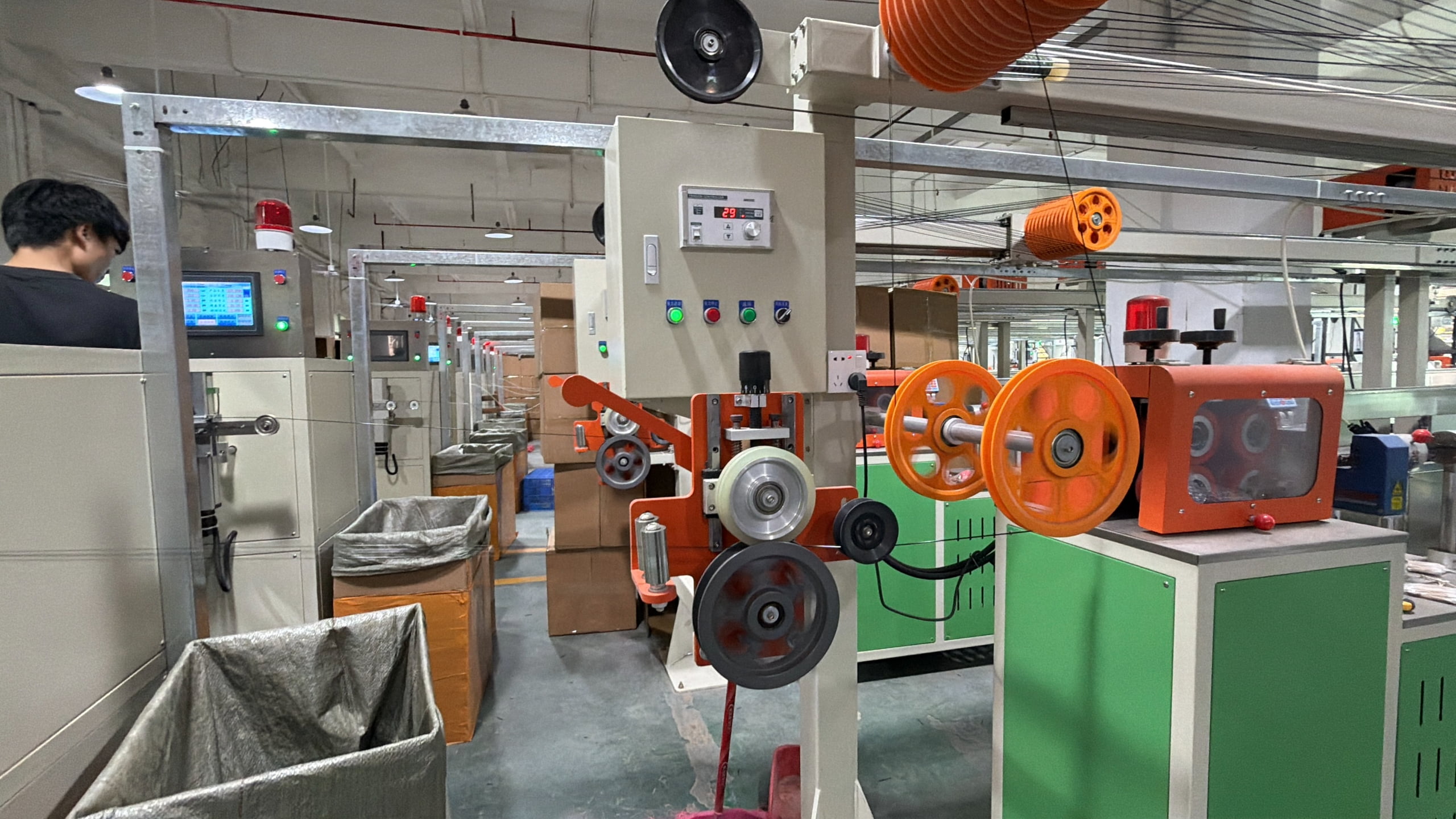
What to share
Use the references your team already has.
A complete specification is not required to start. A current spool, printed part, product link, photo or short written brief can make the first discussion more specific.
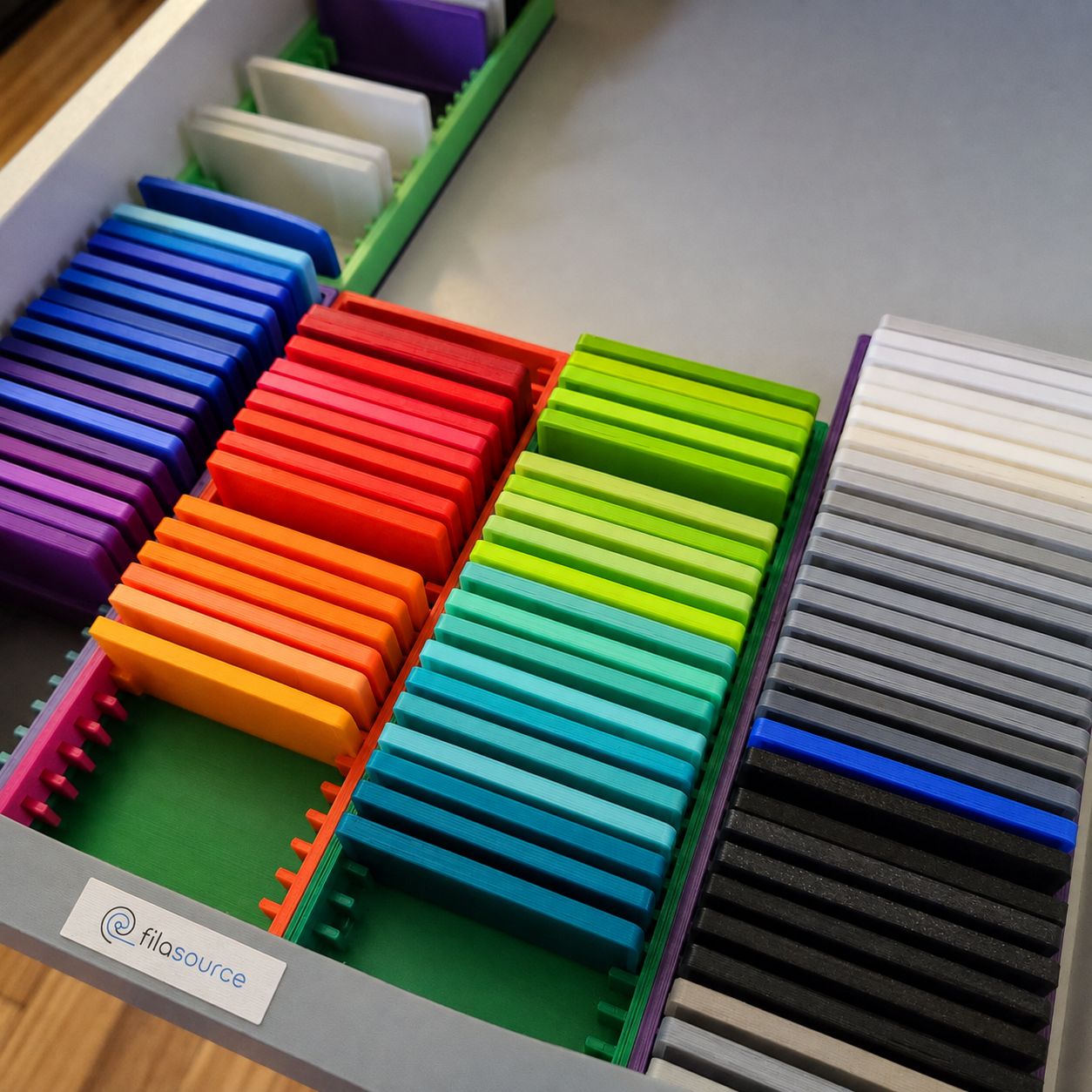
01 / Product
Material or representative SKU
Name the material, colour, finish or product version you want to review.
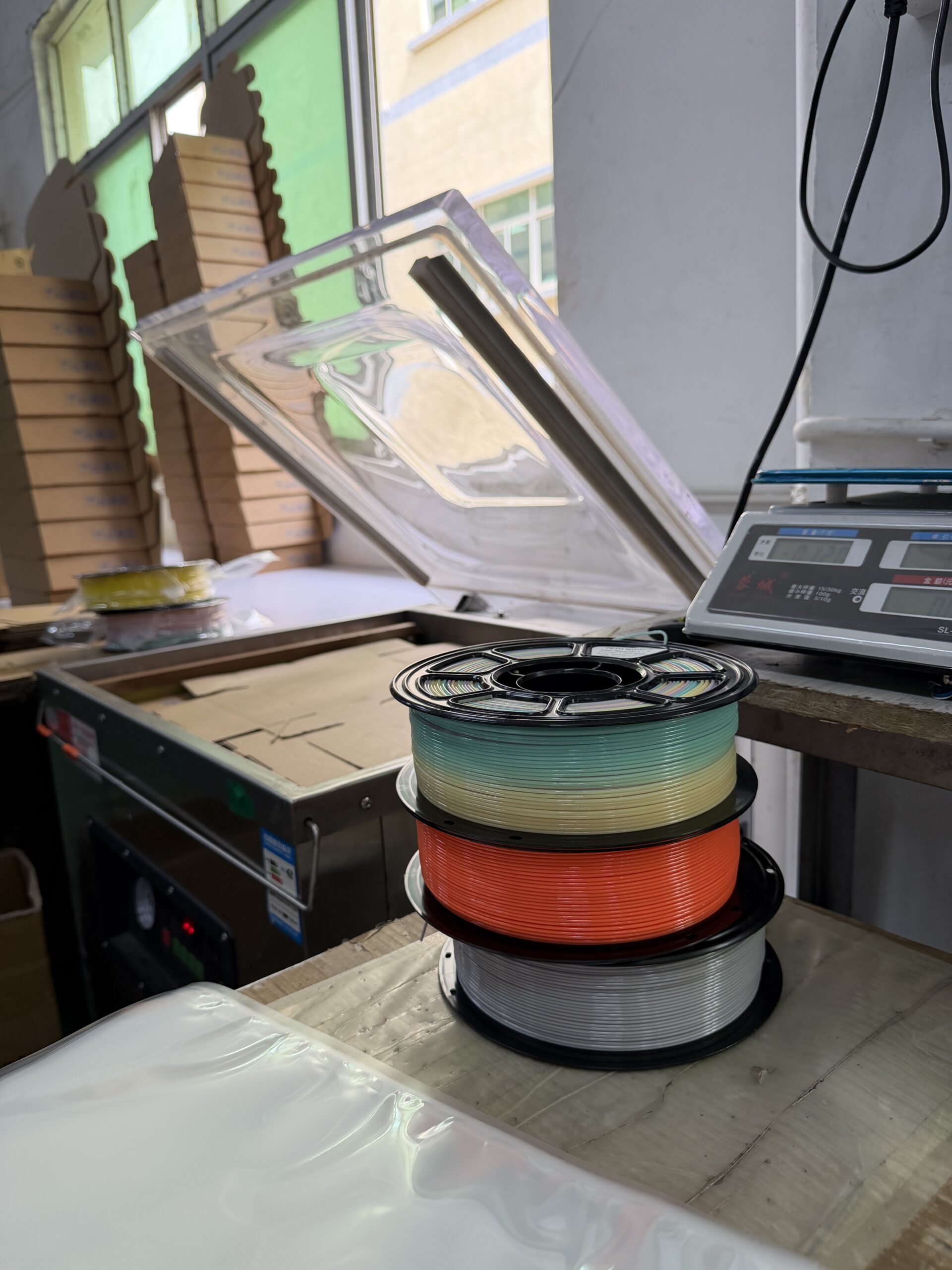
02 / Reference
What are you comparing against?
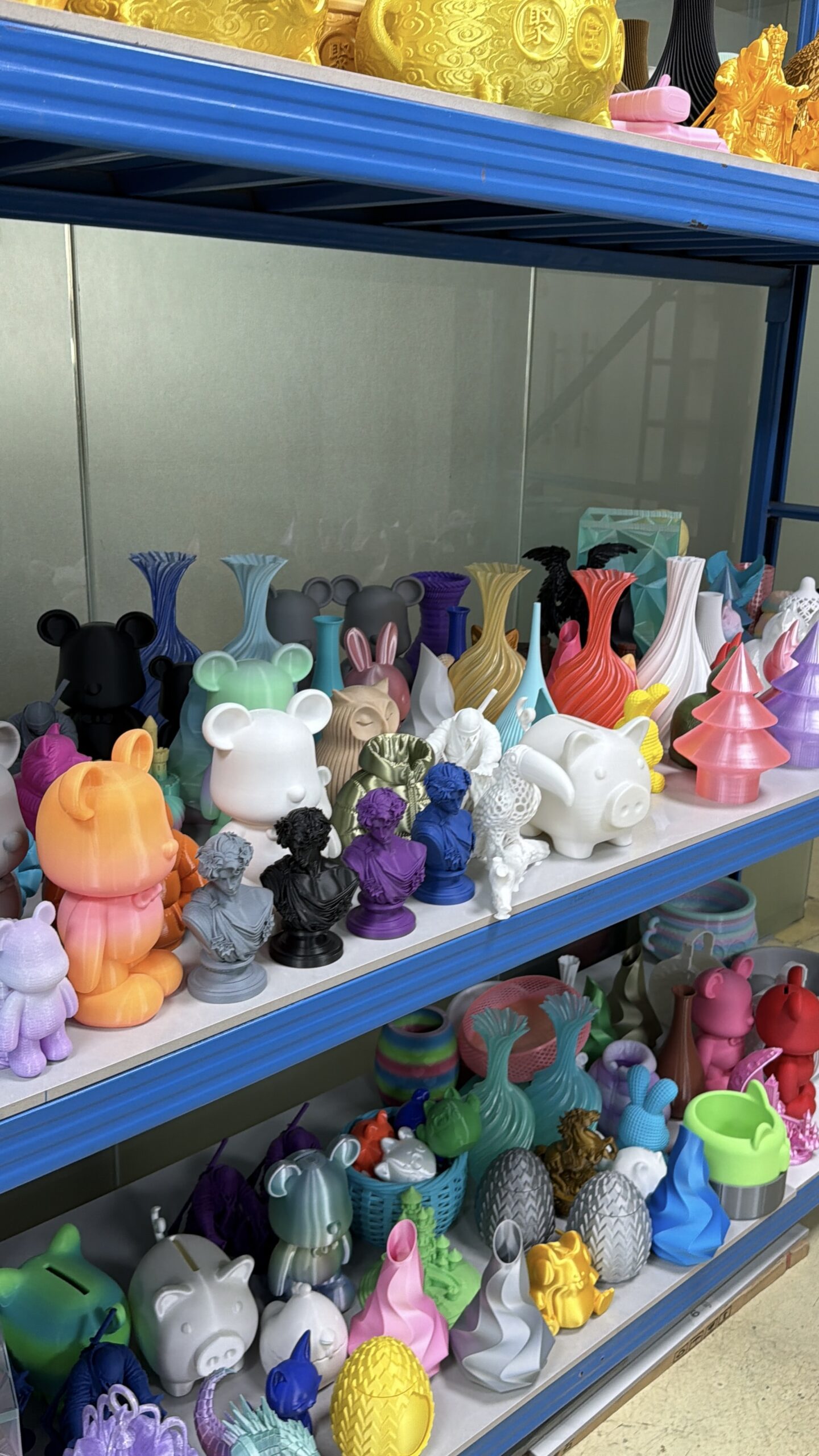
Share a current product, approved sample, print or visual reference when available.
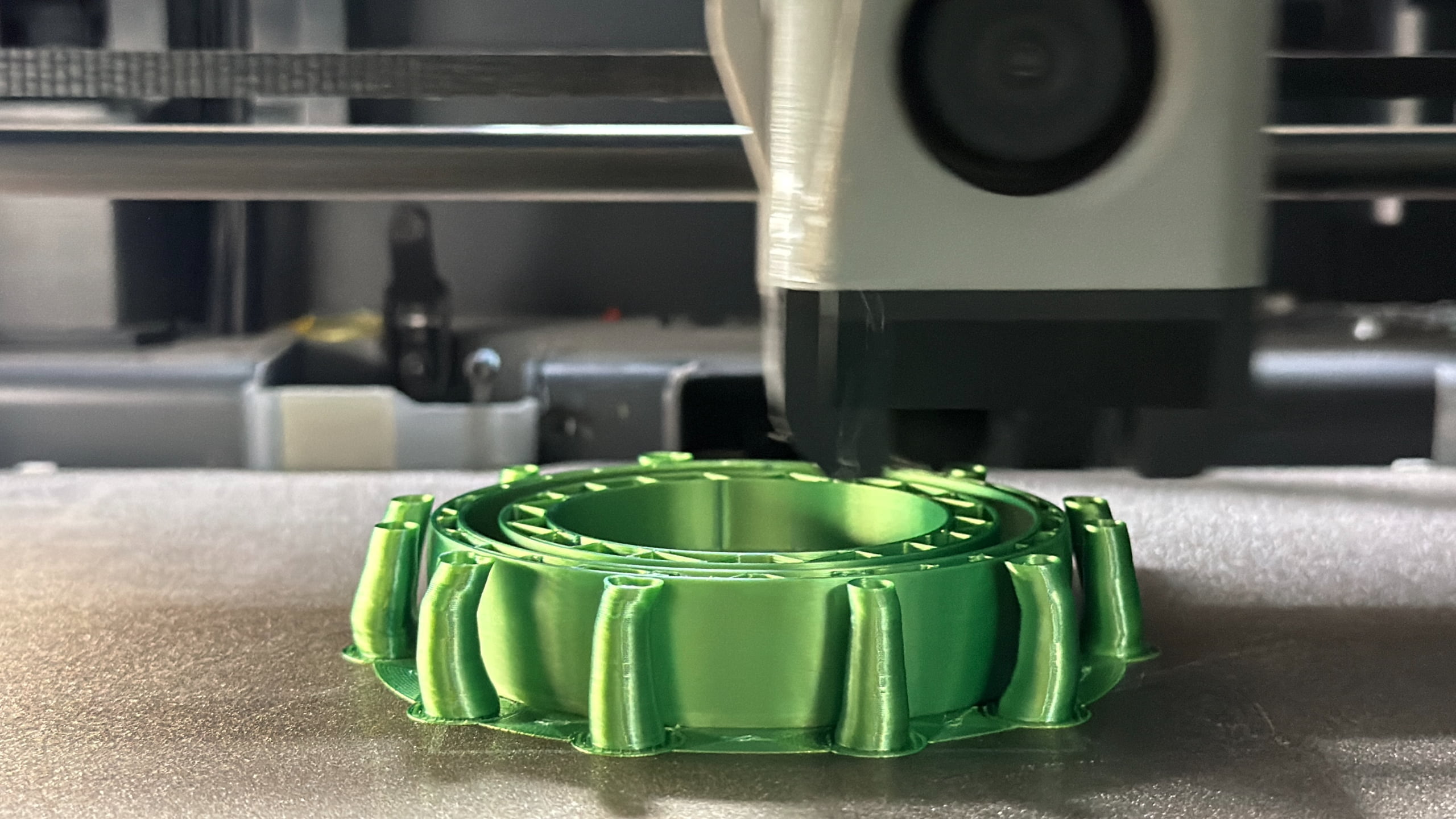
03 / Decision
What should the test help you decide?
Describe the result you need to accept, compare, improve or rule out.
04 / Conditions
Where will the product be used?
Add the printer, profile, channel or end-use conditions that affect the decision.
What happens next
Turn your request into a testable product brief.
The first discussion connects your product question with a practical sample and comparison route.
- 01
Send the starting point
Share the product and the decision you are trying to make.
- 02
Confirm the comparison
Identify the reference, conditions and acceptance points that matter.
- 03
Review a sample route
Discuss the candidate product and what should be checked first.
- 04
Choose the next action
Move to a comparison, revise the brief or pause the project.
Your validation request
Start with the information you have.
Only your name and email are required. Adding a product question or reference helps keep the first reply focused on the decision in front of you.
Your first discussion
Use the first reply to agree on the next useful step.
The conversation can focus on three practical questions before sample work begins.
Which product should be reviewed first?
Confirm the representative material, colour or SKU.
What reference or condition matters?
Identify the comparison and any missing information.
What should happen after review?
Choose a sample comparison, revised brief or later follow-up.
Before you submit
Validation request FAQ
Start small. One product and one clear question are enough for the first conversation.
Start with one product
Share the product question on your desk today.
Add a current reference or target result if you have one. The next step can be shaped around that specific decision.
Your reference
A clear next step