Custom colors for your product line
Turn your color reference into custom 3D printer filament.
Start with a physical sample, Pantone reference or image. We will help you confirm the material, review a filament sample and establish an approved color for production.
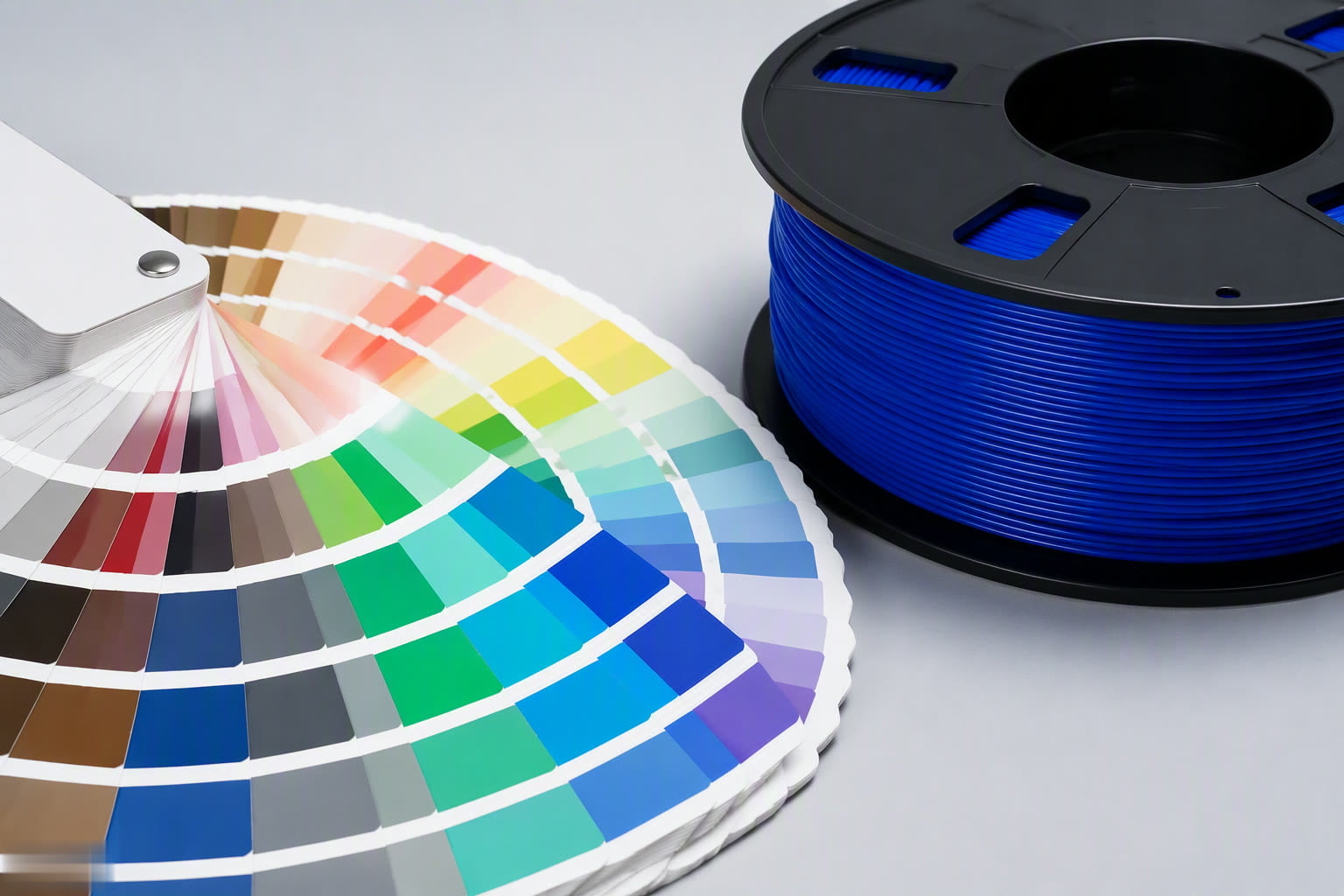
Why physical samples matter
The color on your screen is only a starting point.
Screens, lighting, filament material and surface finish all change how a color appears. A physical filament sample lets your team judge the color customers will actually receive.
01
Share your target
Send a physical item, existing filament, Pantone code or image that shows the direction you want.
02
Review it on filament
Compare the color in the material and finish you plan to sell, not only on a screen or printed card.
03
Approve the comparison method
Agree on the reference, lighting and acceptable appearance before the color moves into production.
Choose your starting reference
Start with the reference that best represents your target color.
A physical sample gives the clearest target. Pantone references and images can begin the discussion, followed by a filament sample for final review.
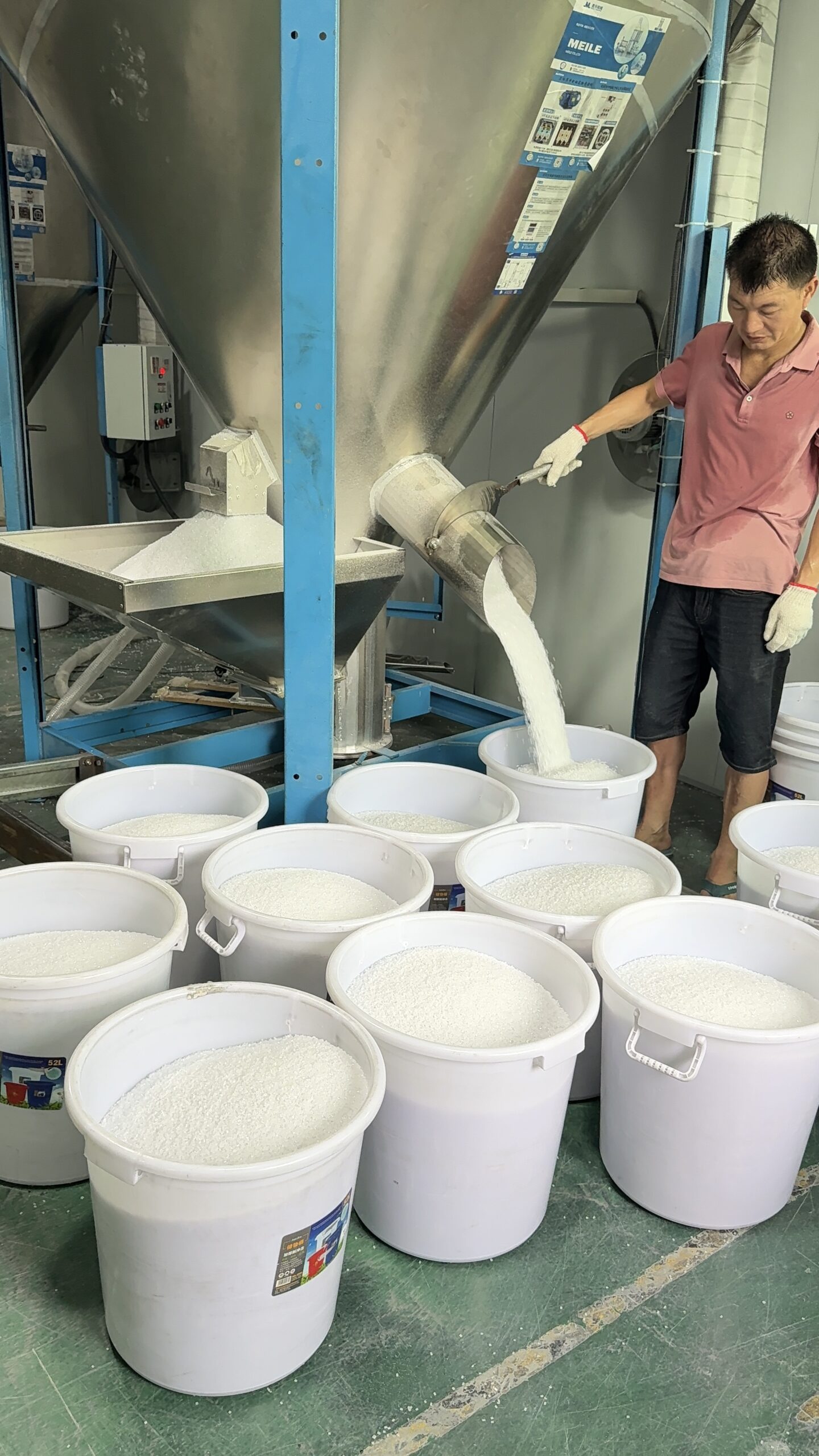
Best starting point
Physical sample
Send an existing filament, printed part, product or packaging sample when the exact appearance matters.
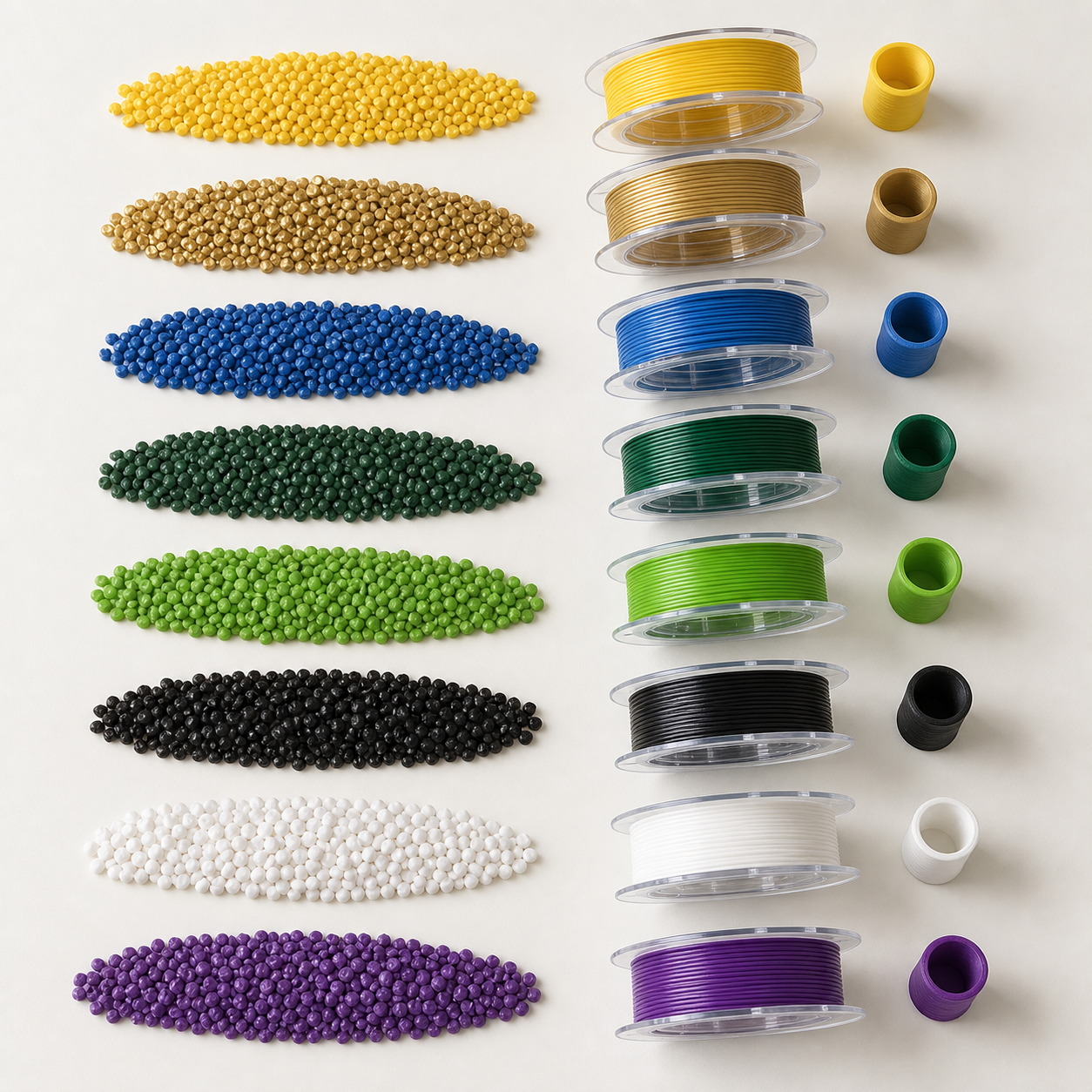
Clear color direction
Pantone reference
Use a Pantone code to communicate the target, then review how it appears in the selected filament material and finish.
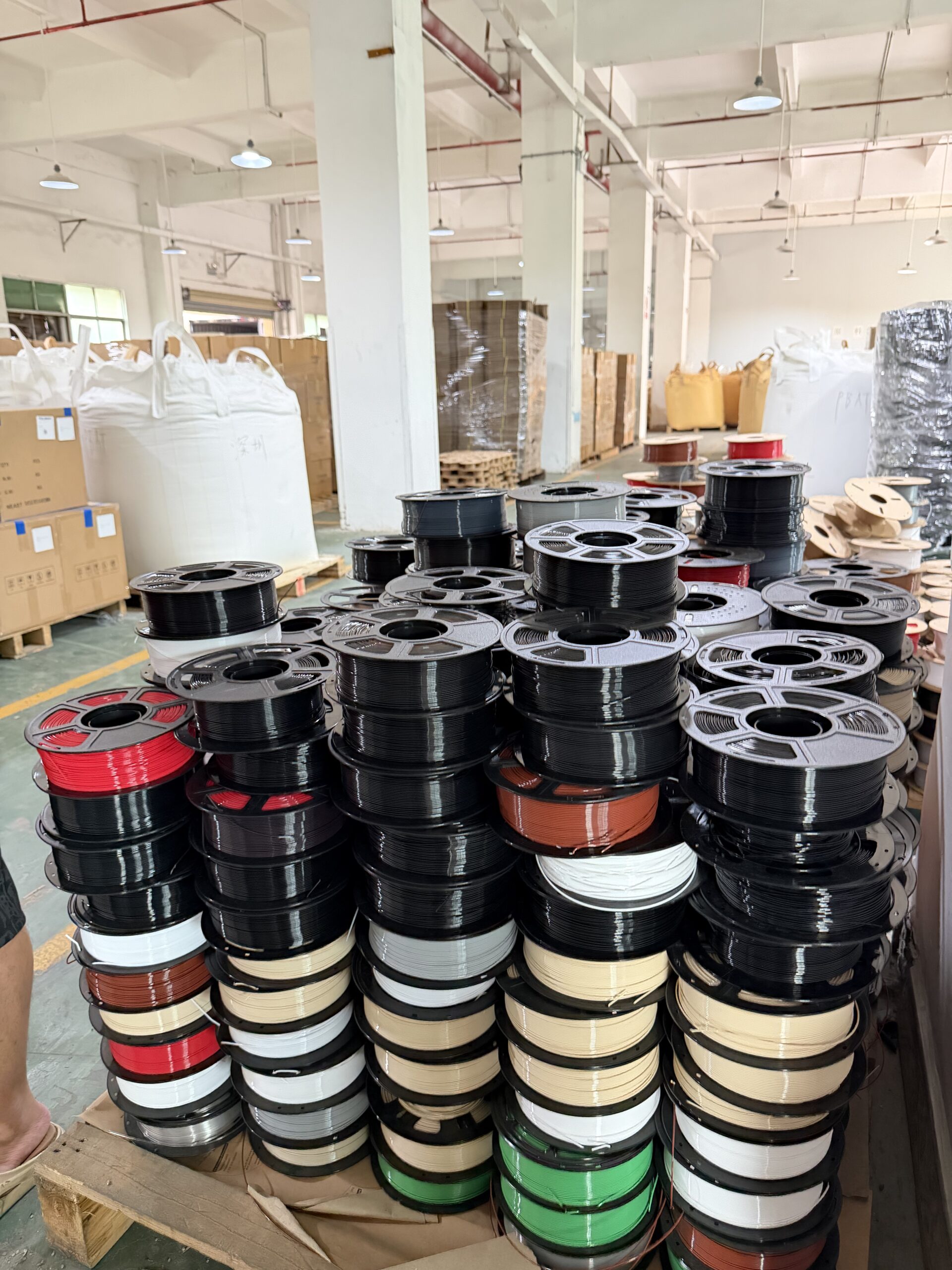
Early-stage idea
Image direction
A photo can start the conversation when no physical reference exists. We will use it to clarify the direction before sampling.
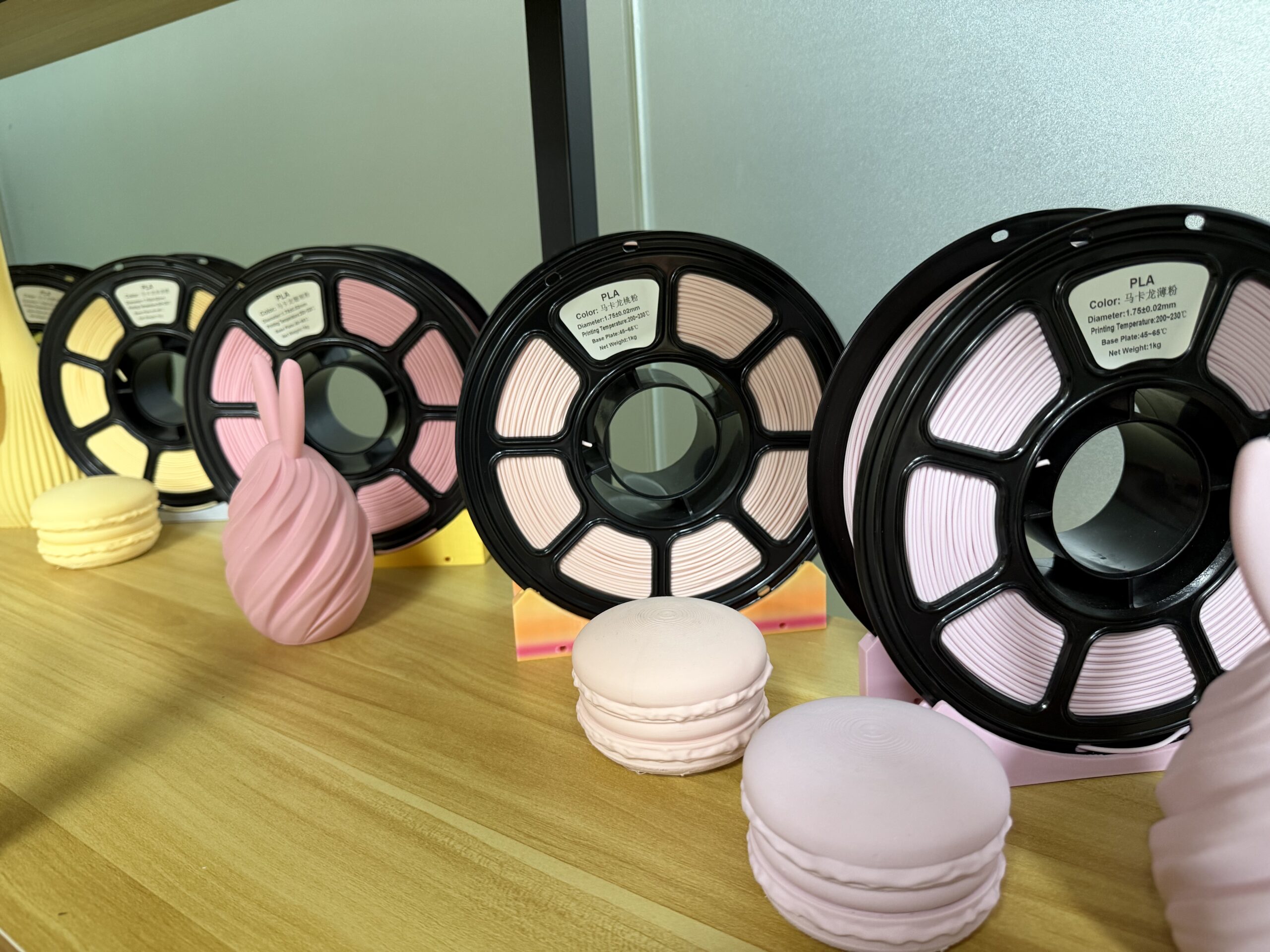
Material and finish
The same target color can look different in each filament.
Material base, additives, transparency and surface finish affect how color absorbs and reflects light. The most useful sample is made in the product your customers will buy.
Your custom color process
Five steps from reference to approved color.
Each sample stays connected to its material and finish. Once your team approves the physical result, it becomes the comparison reference for production and repeat orders.
01
Share your reference
Send the physical sample, Pantone code or image you have.
02
Confirm the product
Choose the filament material, finish and intended use.
03
Review a sample
Compare the candidate color in the selected filament.
04
Approve the target
Confirm the physical color and how future samples will be judged.
05
Use it for production
Carry the approved reference into production and replenishment.
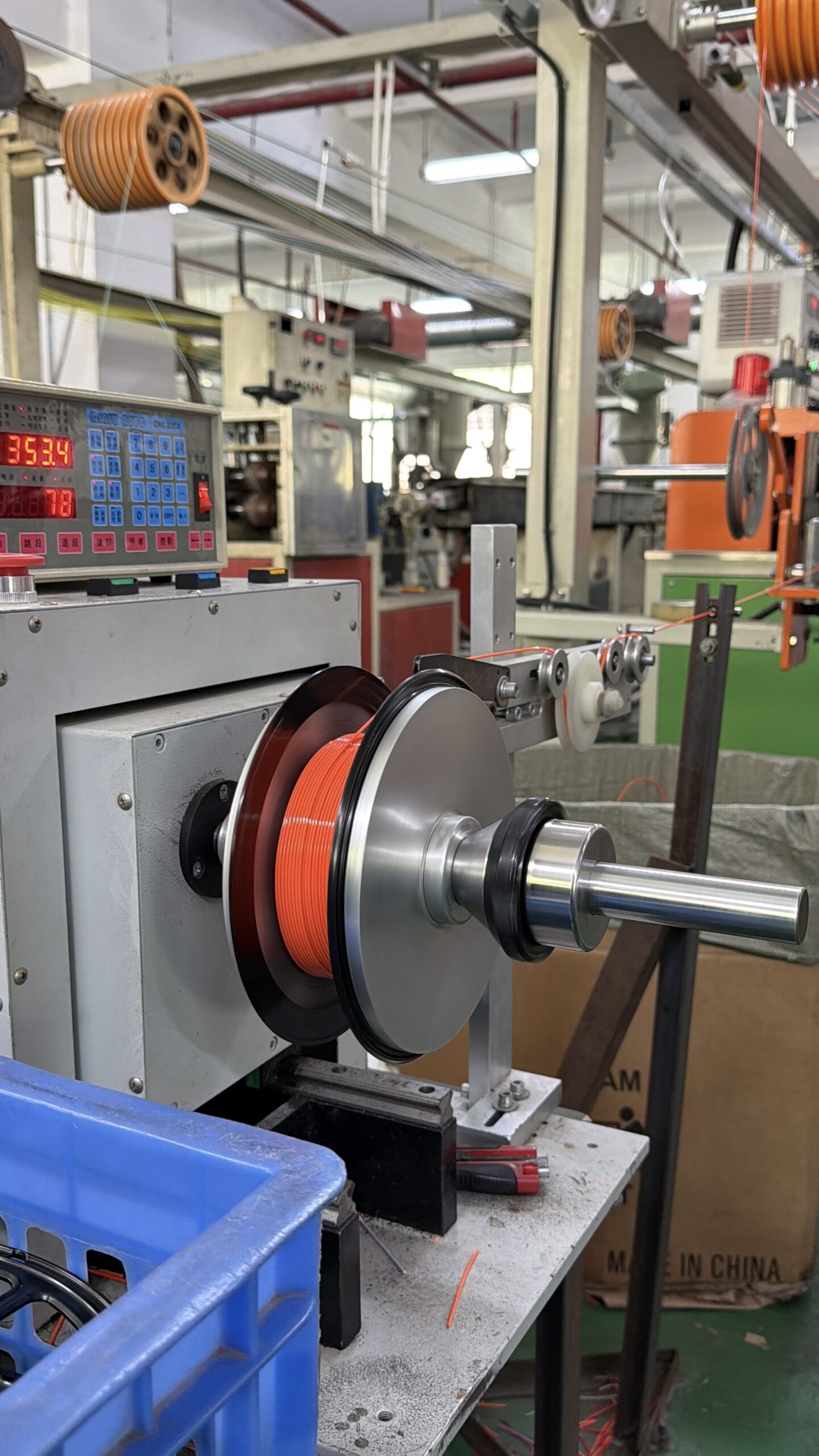
Color approval
Review the sample the way your customer will see it.
Compare the approved reference and candidate sample under agreed lighting and in the same material form. This gives both teams a practical basis for approval and future batch review.
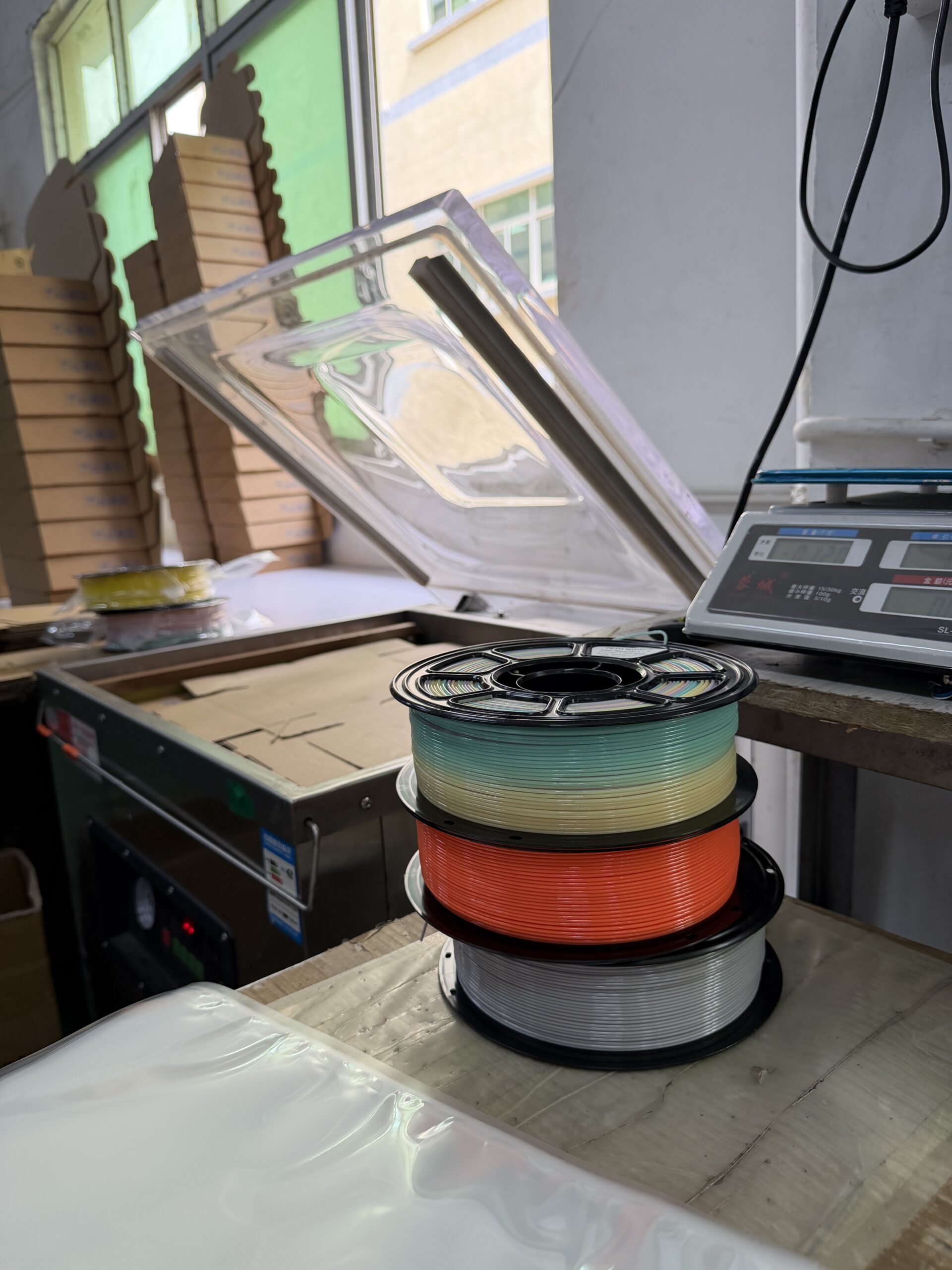
From approval to repeat orders
Use one approved color reference across production and reorders.
Pre-production comparison
Compare the production candidate with the approved physical reference before release.
Batch identification
Link production samples and color feedback to the relevant product and batch.
Change review
Review changes to material, finish, formulation or reference before the next order.