B2B filament supply for the United States
Test the filament range your US channel is ready to sell—or reorder.
Start with two or three priority PLA, PLA+ or PETG products. Compare them under your own conditions, then plan the assortment, private-label packaging and shipment around the products your team approves.
Choose by buying goal
What does your business need to solve first?
Choose the route that matches your next decision. You can start with a focused product list instead of changing the full range at once.
01
Private Label
Select the filament first, then develop the label, barcode, retail box and carton marks.
Explore Private Label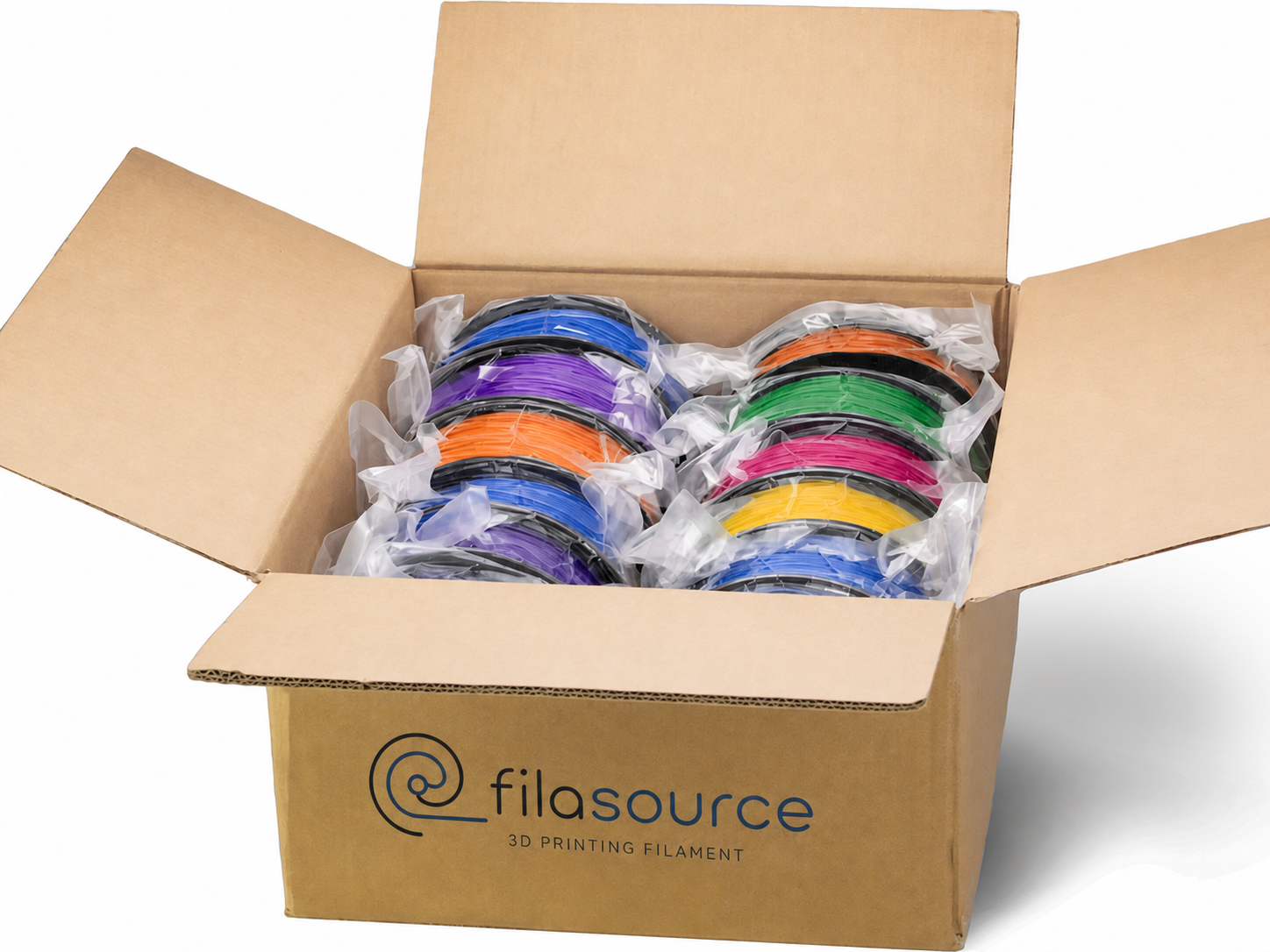
02
Wholesale & Distribution
Build a core assortment and test additional colors or effects in smaller steps.
Explore Wholesale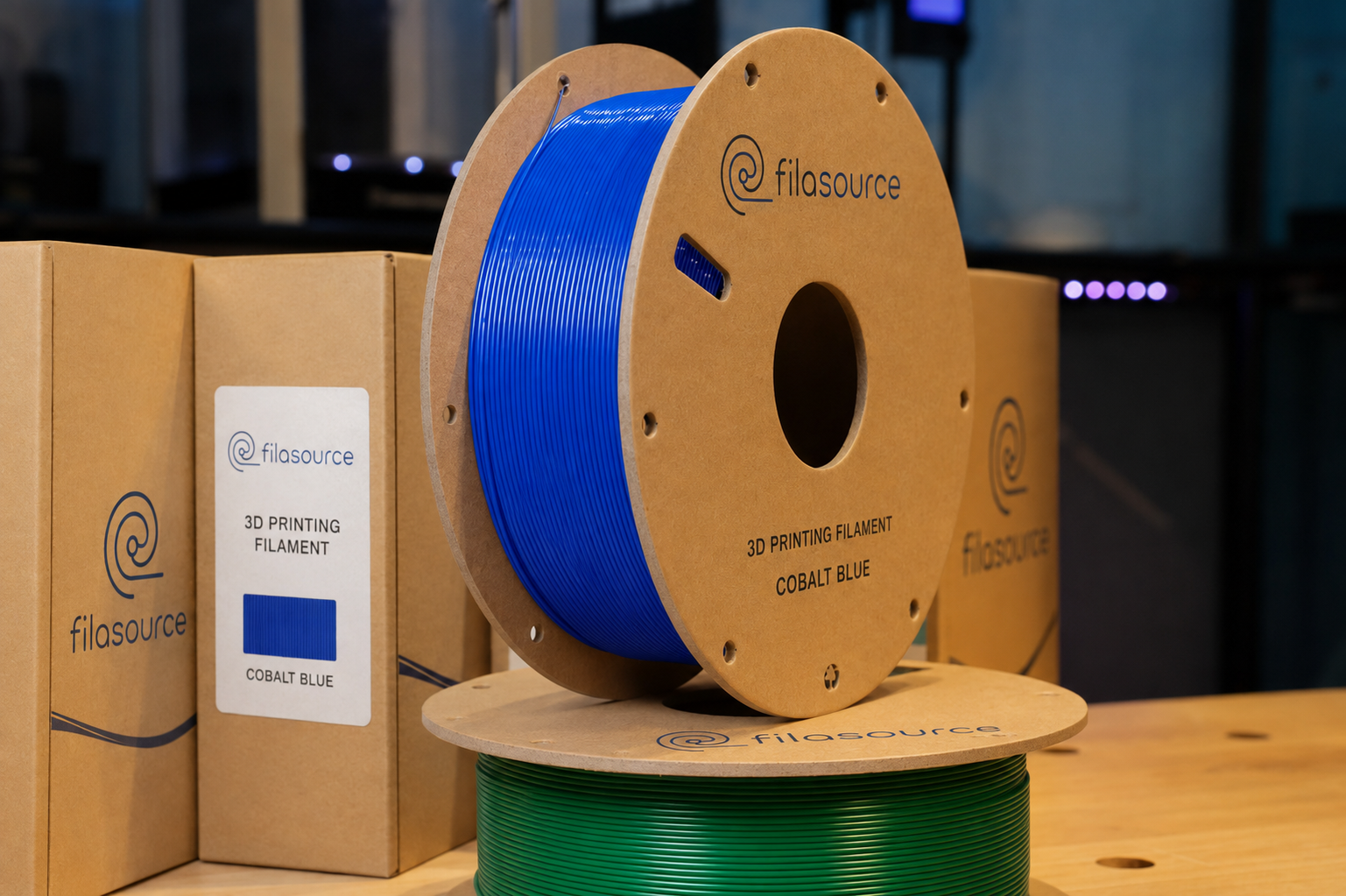
03
Second Source
Compare a few repeat products before deciding whether to move more of the range.
Explore Second Source
04
Print Farm
Evaluate selected products with your printers, profiles, applications and operating conditions.
Explore Professional UseTwo ways to begin
Test priority products or compare a small assortment.
Use the route that answers your next buying question. Both can begin with a short list rather than the full catalog.

ROUTE A
Selected repeat products
Start here when you want to compare a second source or improve continuity for a few core products.
- Share the current product or target reference.
- Tell us how your team will evaluate it.
- Compare samples before discussing a larger order.
ROUTE B
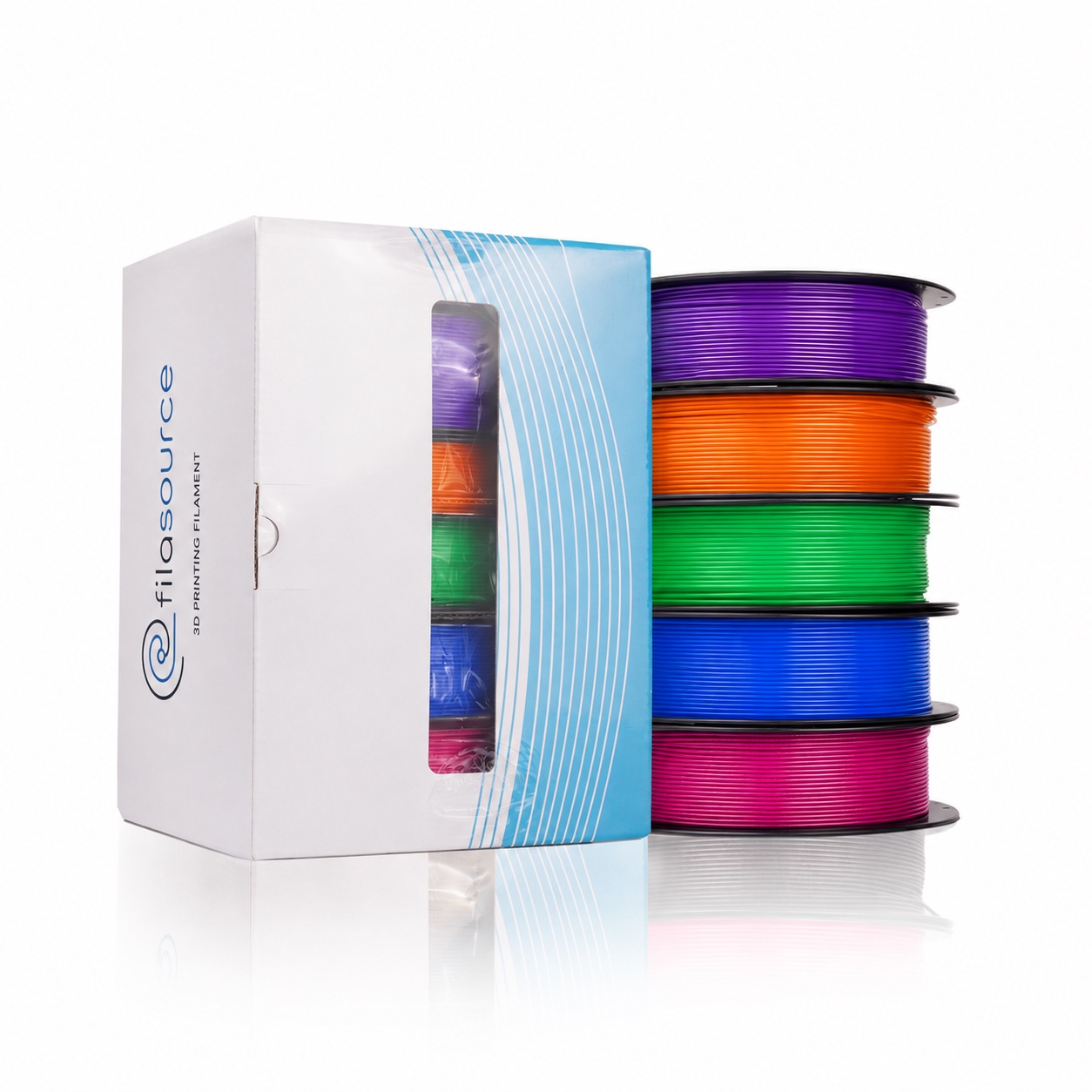
Mixed-SKU trial
Start here when you want to compare several materials, colors or effects before choosing the longer-term assortment.
- List the products and colors you want to try.
- Mark likely core SKUs and exploratory options.
- Share quantities, packaging and destination.
Choose the product family
Start with the materials your customers or production team need.
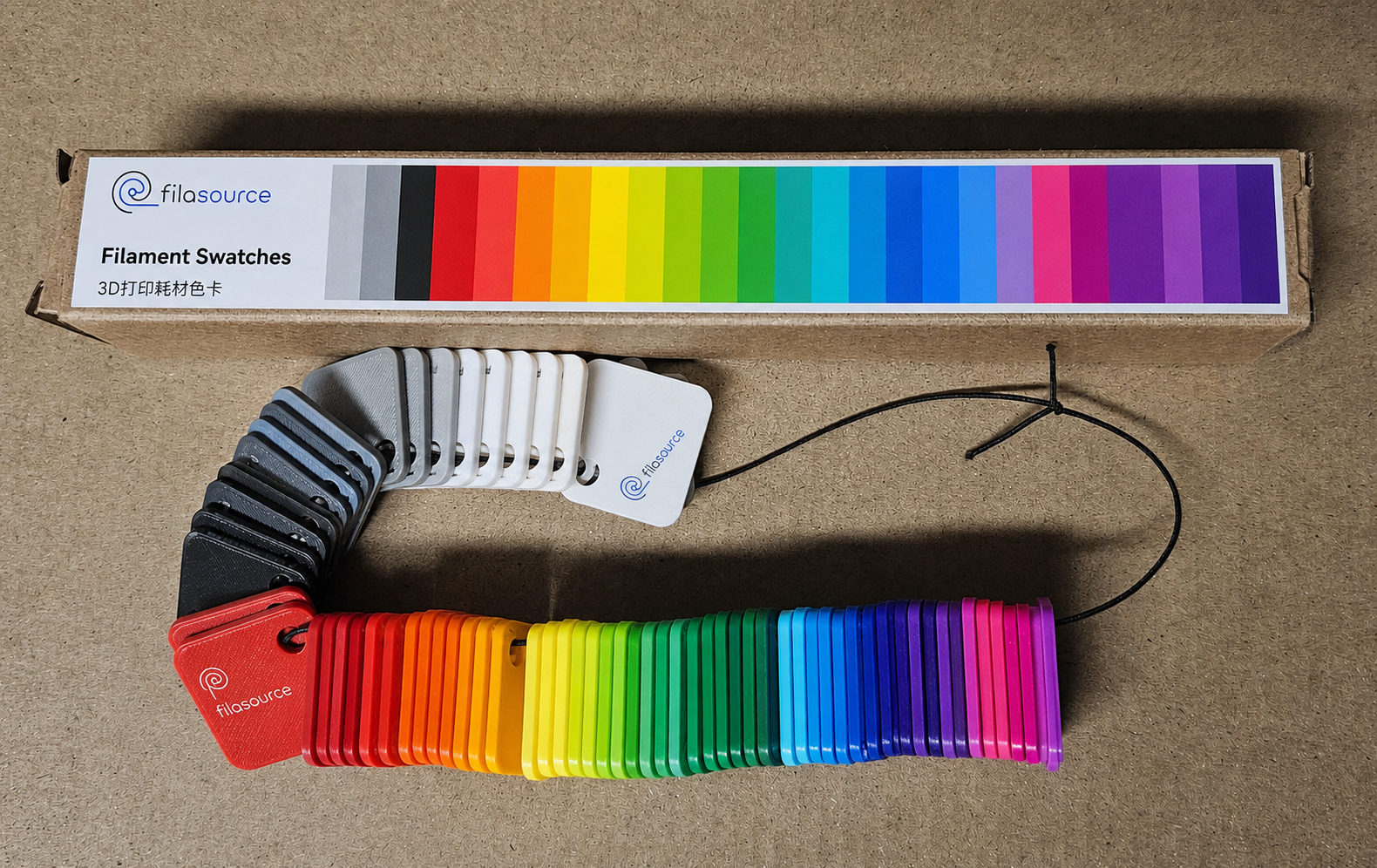
Choose the material first, then narrow the test by color, effect, application and packaging preference.
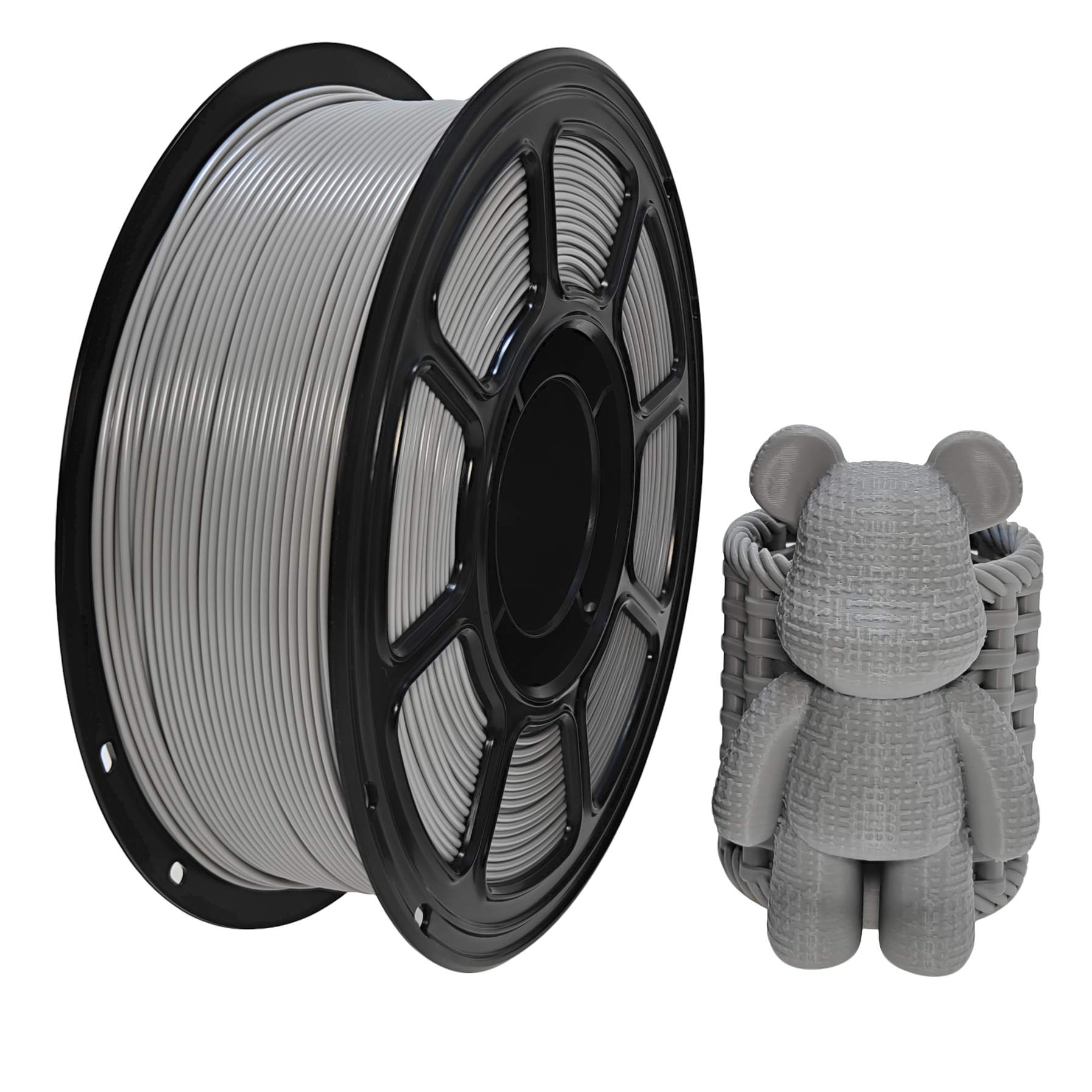
PLA
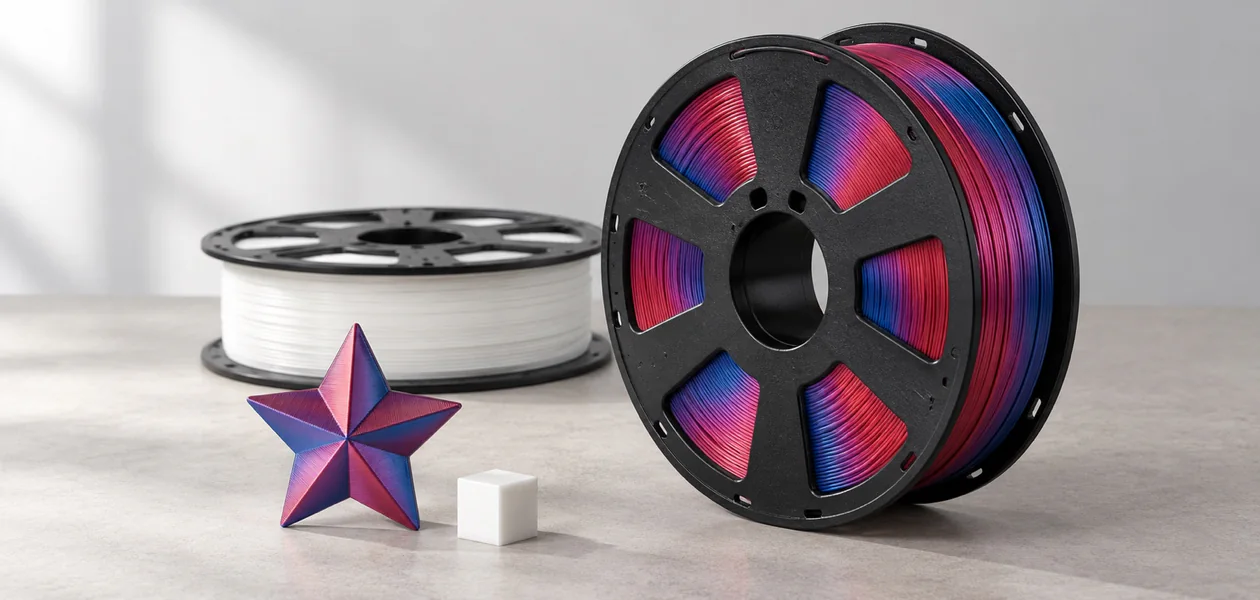
Build a core assortment and add selected matte, silk, gradient or special-effect options.
Explore PLA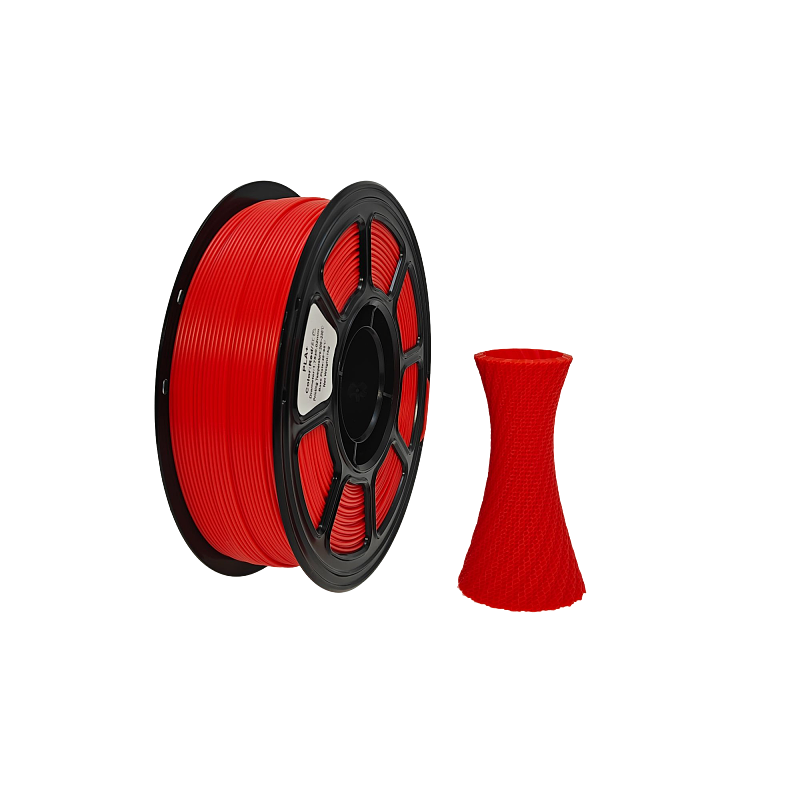
PLA+
Compare selected options using the print behavior and application criteria that matter to your team.
Explore PLA+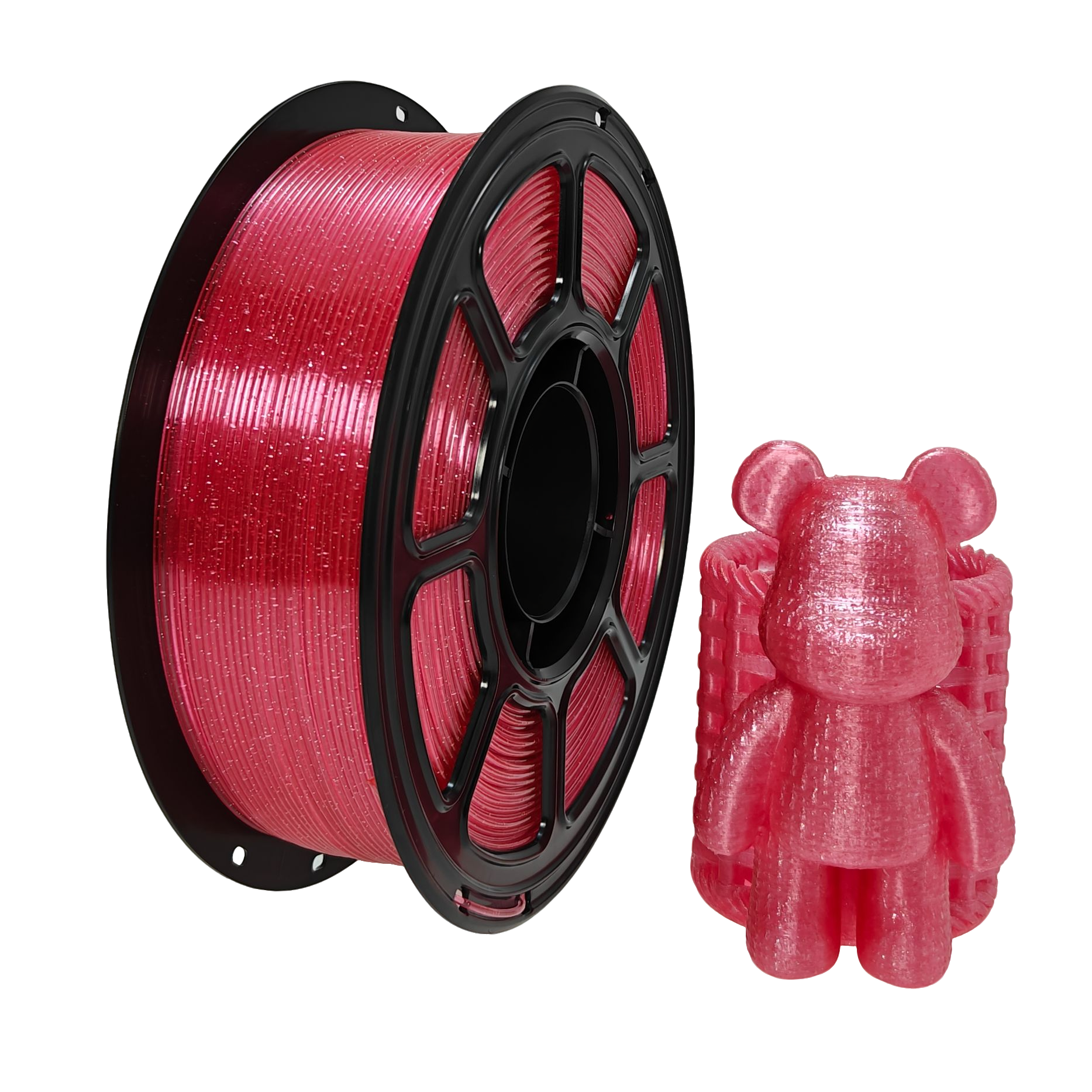
PETG
Review selected colors and variations alongside your storage, printing and application preferences.
Explore PETGPackaging and repeat orders
Keep the approved product and packaging together when you reorder.
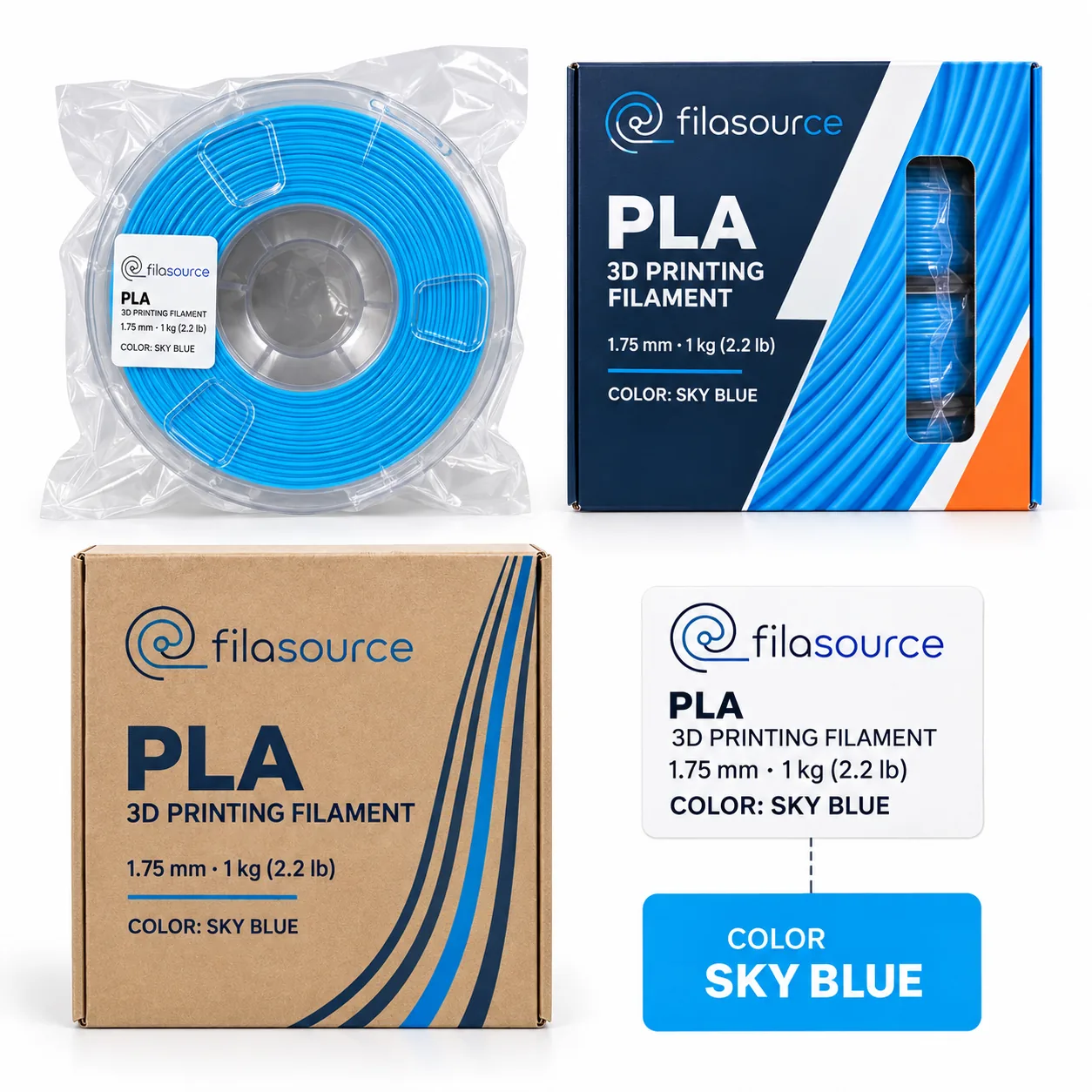
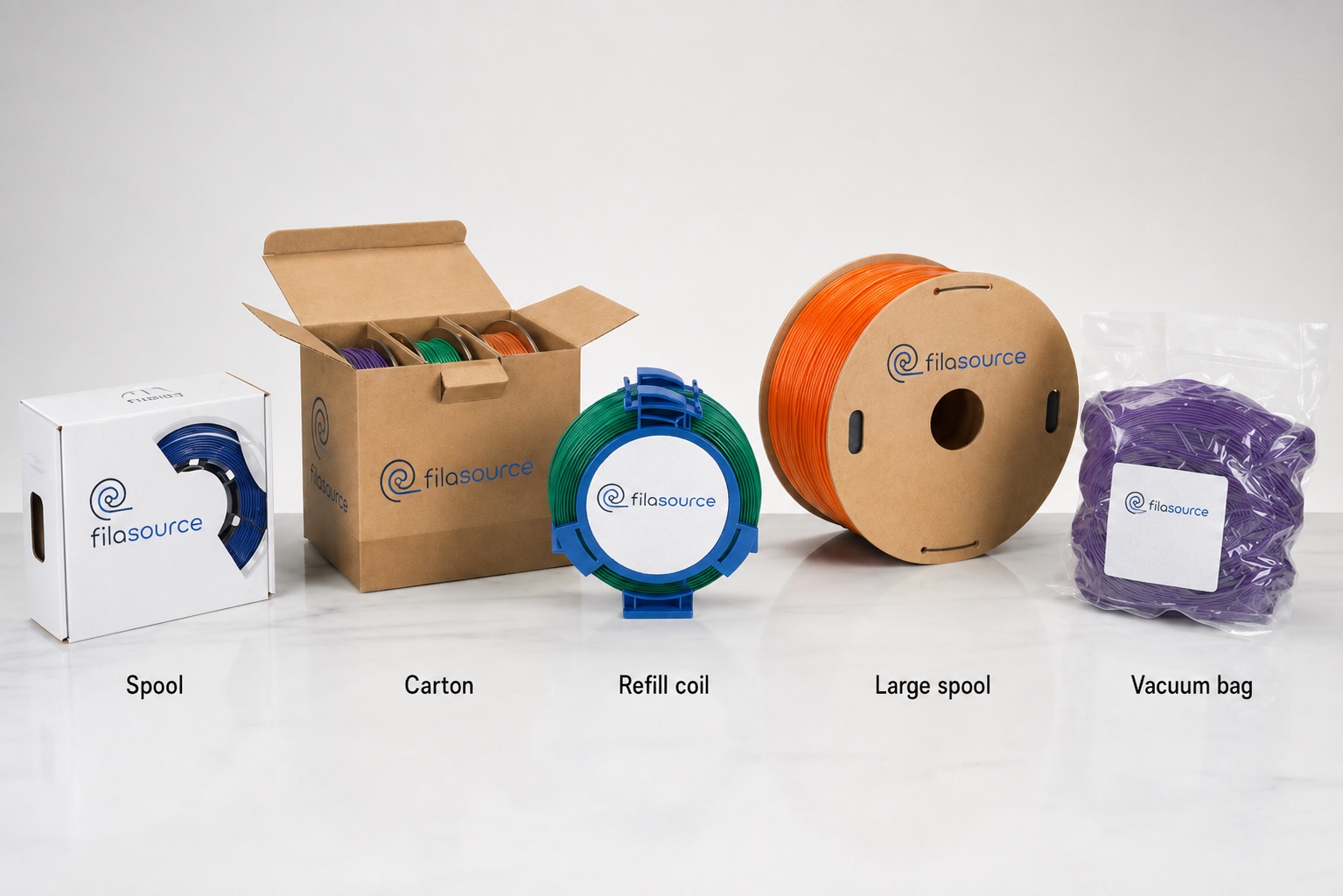
Connect the selected filament, label, barcode, retail box and carton details to the version your team approved.
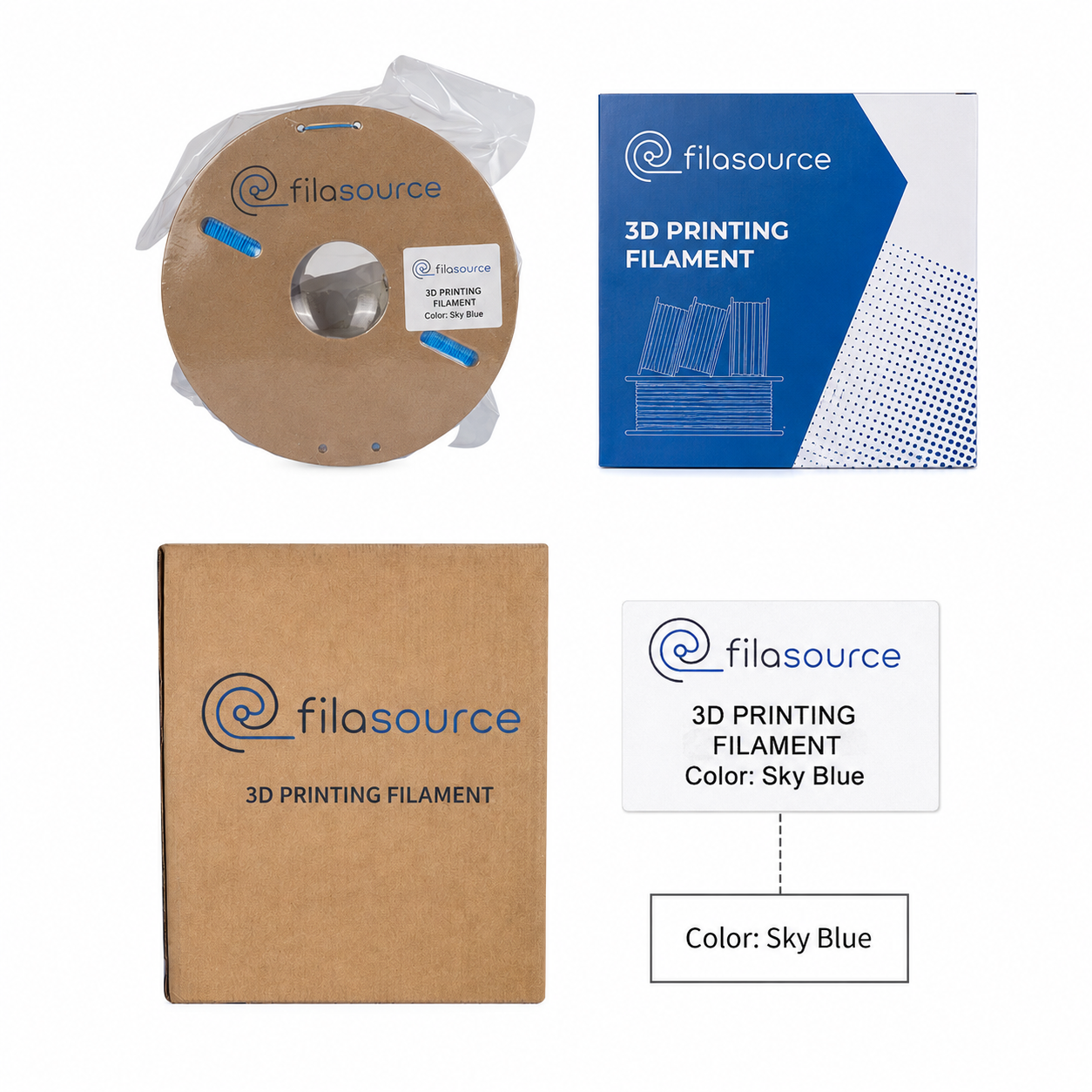
Product reference
Record the material, color and selected product for the order.
Brand components
Approve label, barcode, retail box and carton marks before production.
Approval check
Review the product and packaging samples your team will use as references.
Reorder changes
Call out quantity, color, packaging or delivery changes in the next order brief.
Shipping quote checklist
Compare shipping options using the order you are actually considering.
Share the US destination, product mix, quantity and packaging preference so the relevant trade and delivery options can be discussed.
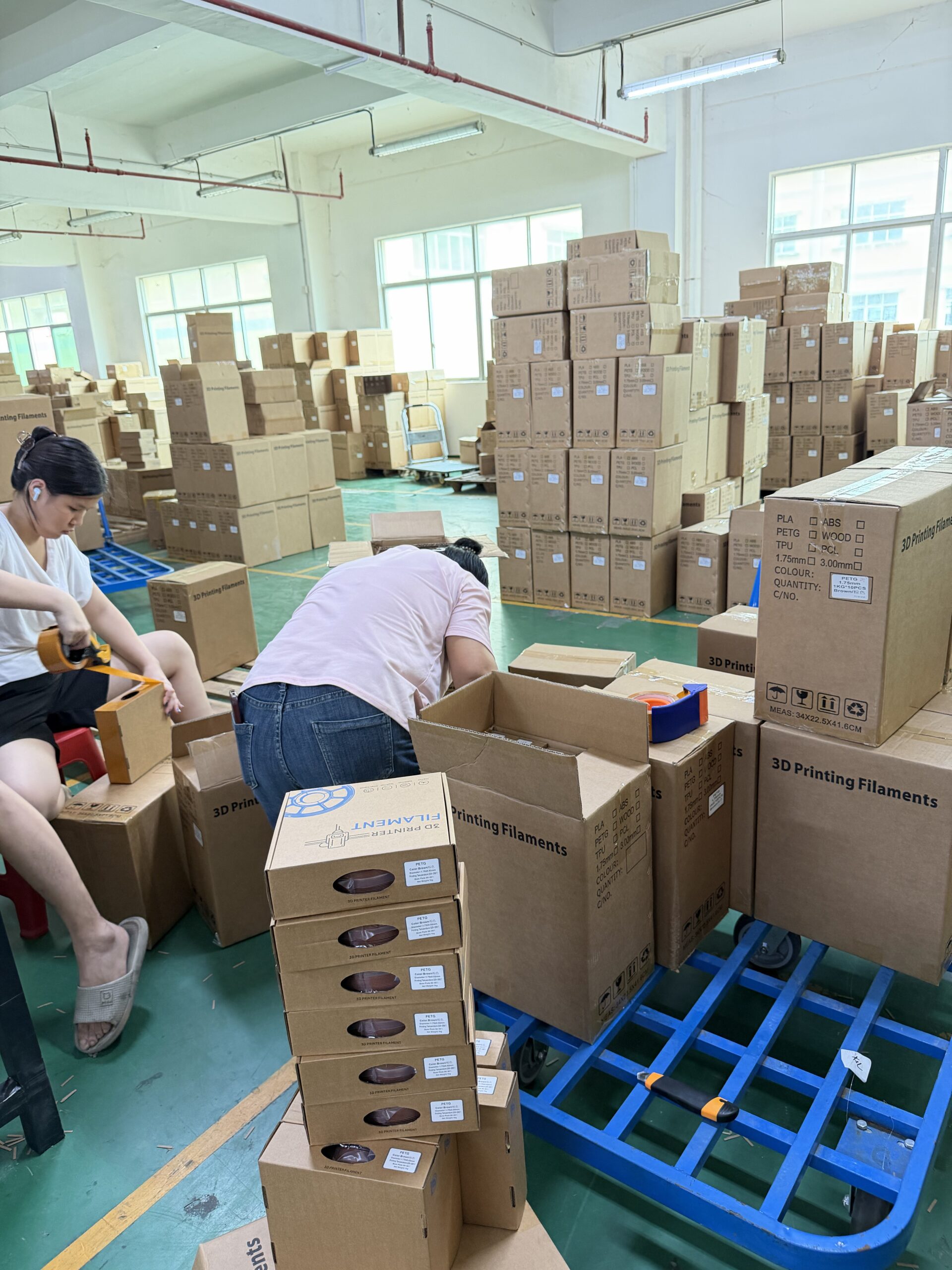
City, state and ZIP code
Tell us where the shipment needs to arrive.
Products and quantities
List the selected SKUs, colors and proposed order quantities.
Packaging and cartons
Share the packaging level and carton information for the proposed mix.
Delivery term and timing
Share the Incoterm you want to discuss and your target delivery window.
Frequently asked questions
What US buyers usually ask first.
Start with the essentials
Send the first products and US destination you want to evaluate.
Name and email are all you need to start. Add your priority products, quantity range or destination in the optional message.