Custom filament packaging
Turn an approved filament into packaging your customers recognise.
Start with neutral packaging or build a private-label system. Define the label, barcode, instructions, colour box, spool presentation and shipping carton around the channel where you sell.
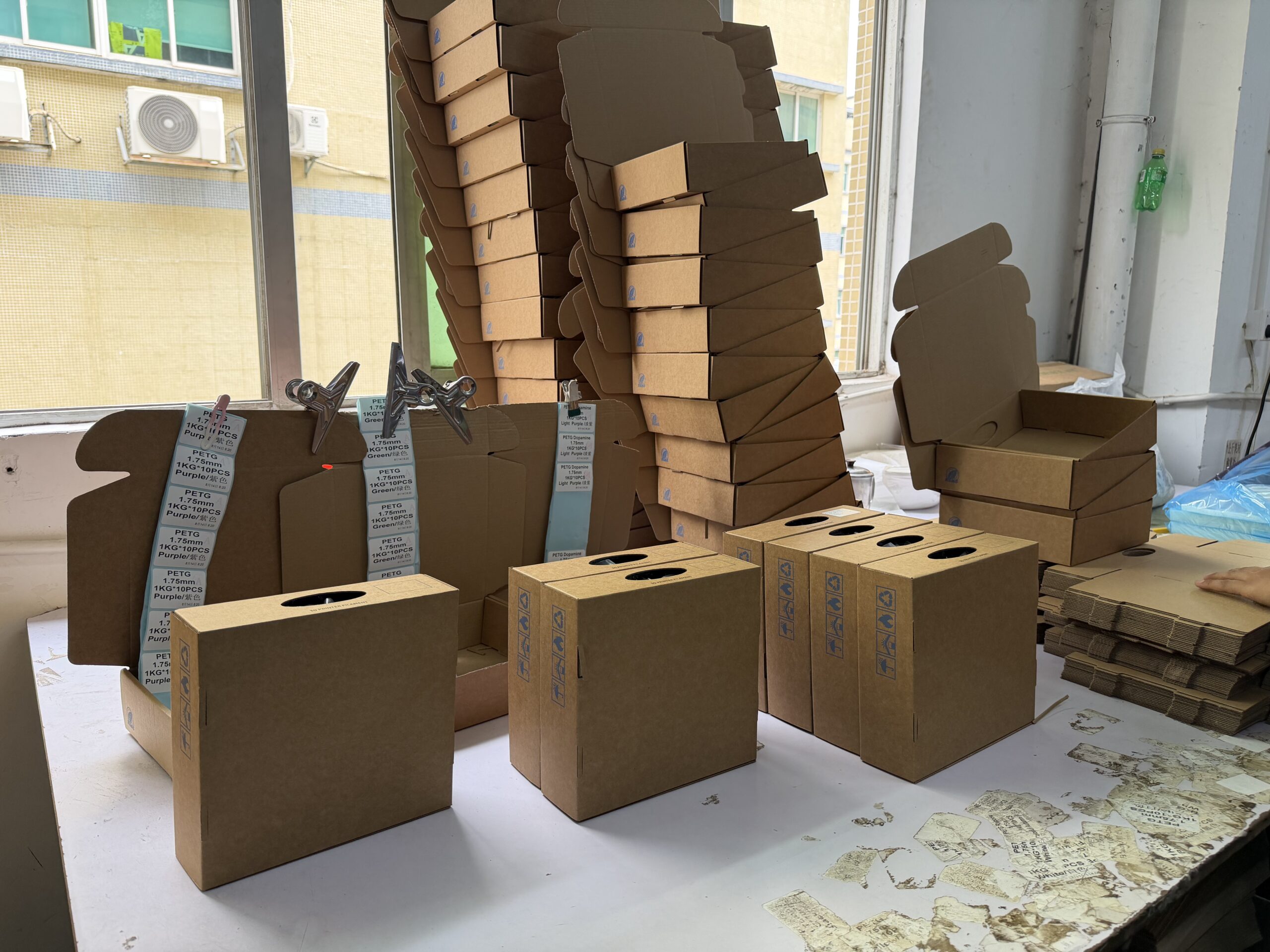
Where packaging errors start
A finished-looking pack can still contain a detail you did not approve.
Product name, language, barcode, artwork, material and product identity can change separately. Review each one from the first proof to the final order.
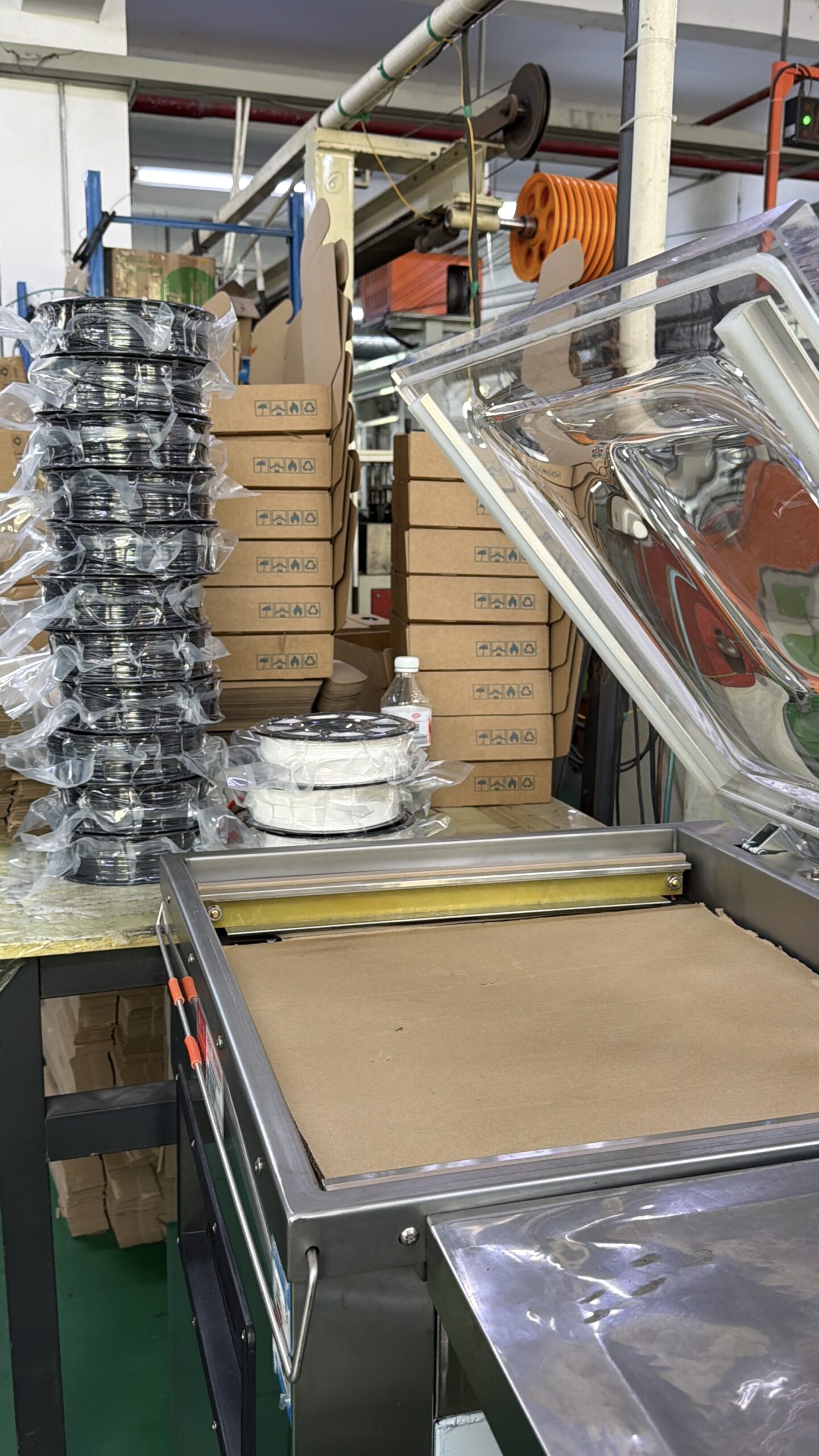
01
Confirm what it says
Check the product name, language, codes and any claims supplied by your team.
02
Confirm what is made
Review the physical label, insert, box, spool presentation and carton.
03
Make repeat orders repeatable
Keep the approved files and physical reference tied to the version you reorder.
Choose your level of customisation
Brand only the packaging levels your sales channel needs.
Start with a neutral pack, update one component or define a full private-label system. Each level can be reviewed separately, so one approval does not hide another decision.
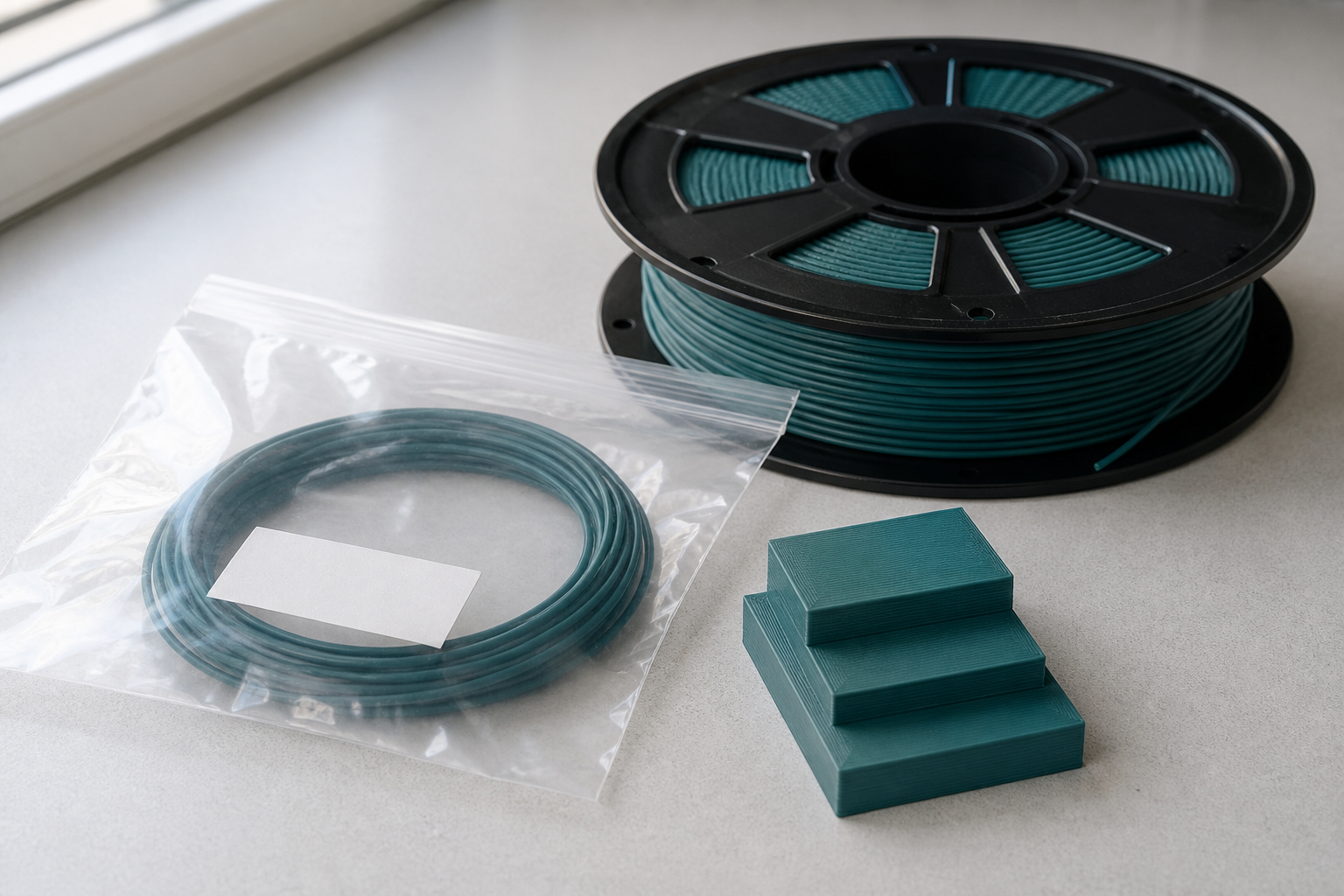
Label
Help customers identify the product, brand, colour and version at a glance.
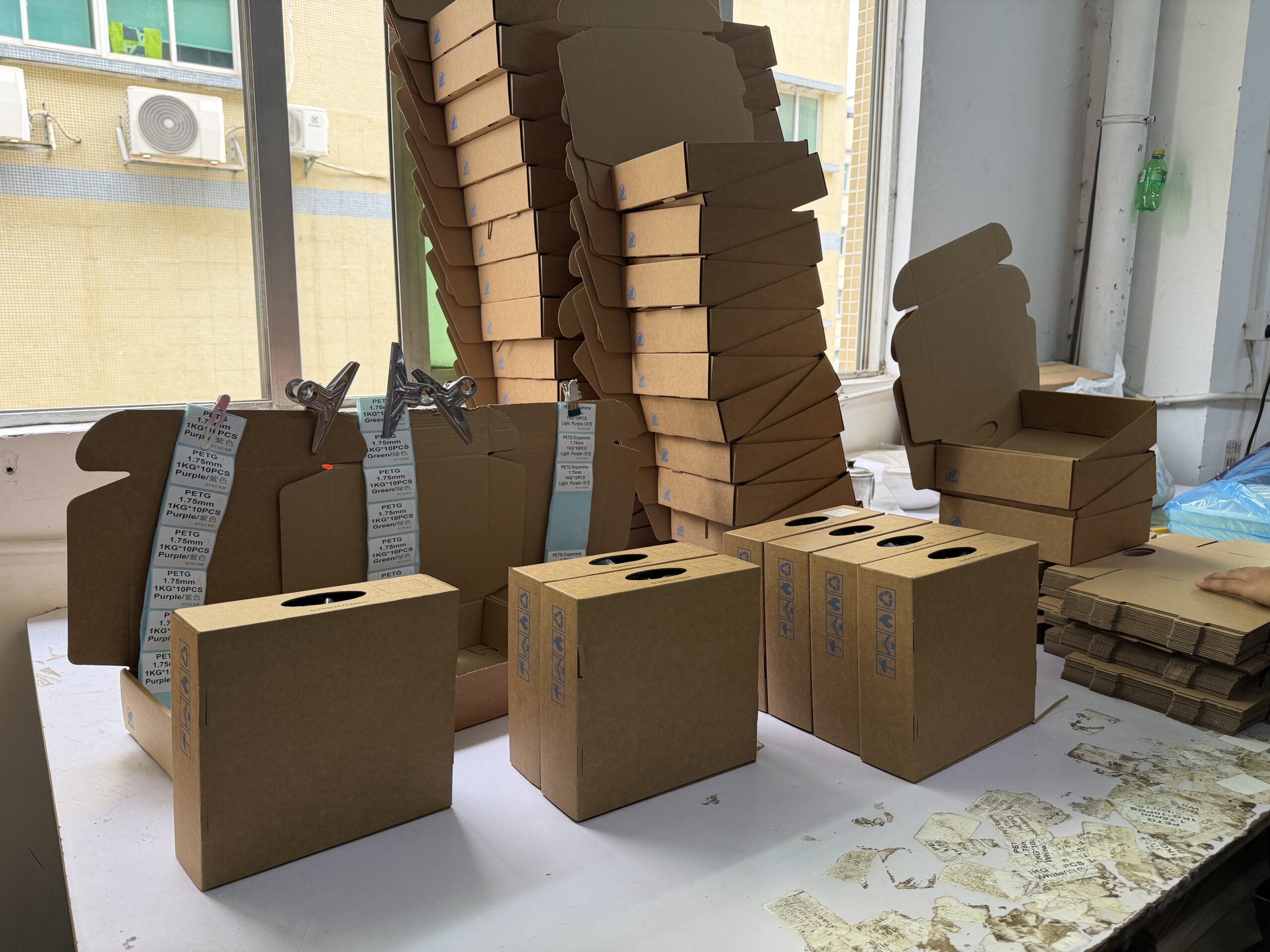
Barcode & instructions
Place buyer data, market language and codes where they can be checked before printing.
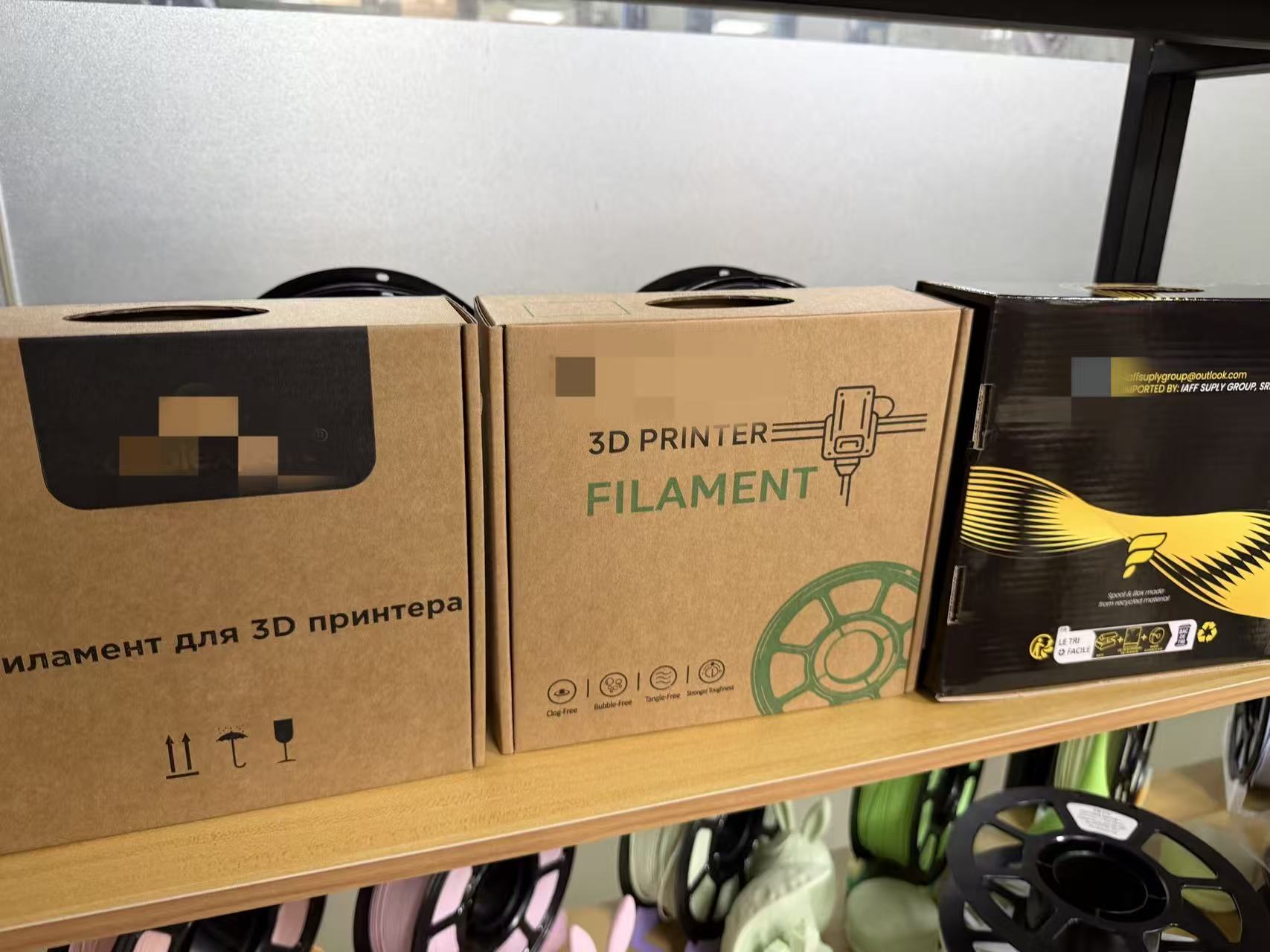
Colour box
Bring the dieline, artwork, material and finish into one approved retail version.
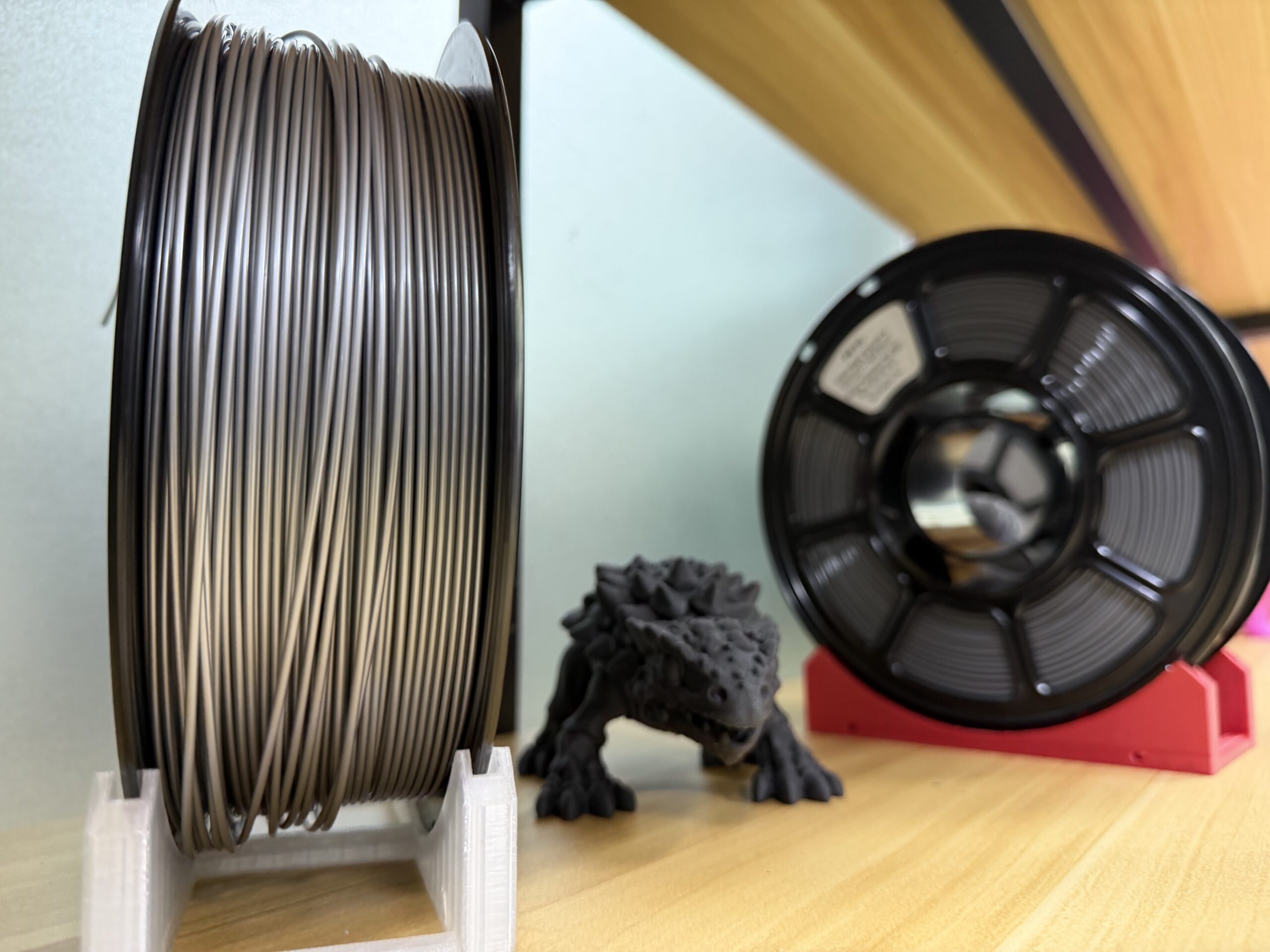
Spool presentation
Choose a neutral or labelled presentation that matches the product and sales channel.
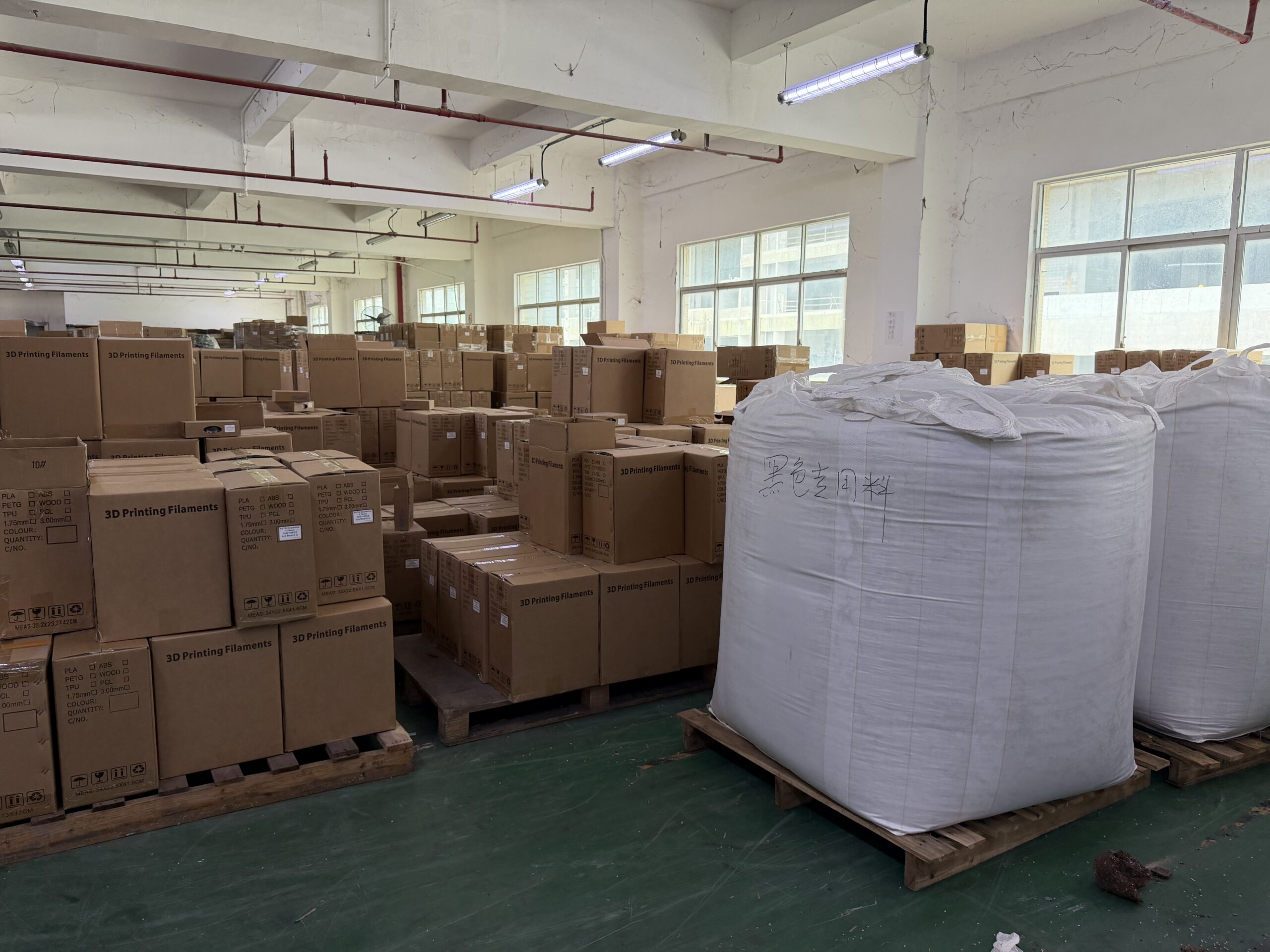
Shipping carton
Keep outer identification, handling marks and carton version tied to the packed order.
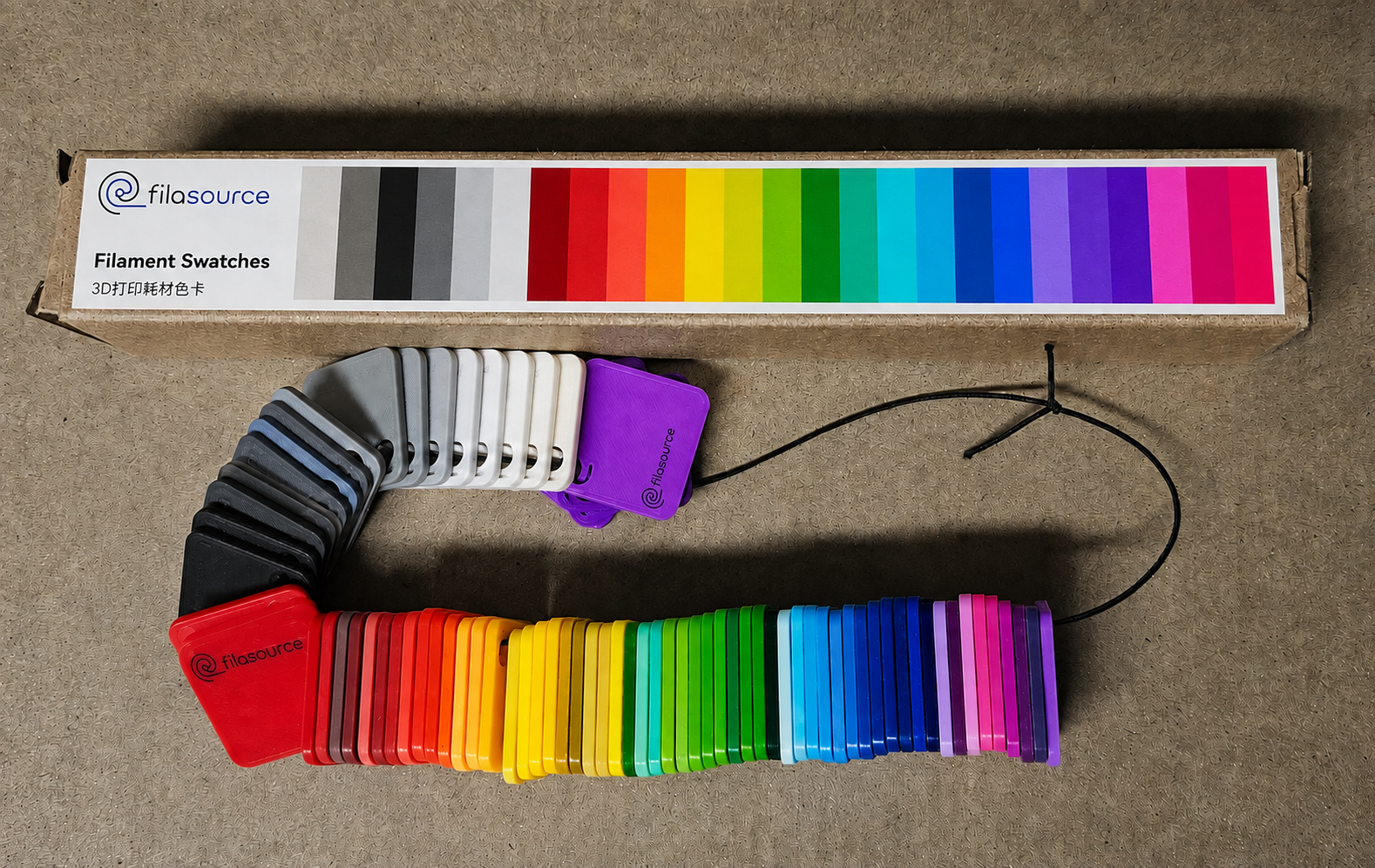
Structure before artwork
Make sure the artwork fits the packaging that will be produced.
Confirm dimensions, folds, glue areas, print zones, materials, finishes and assembly requirements for the exact component before final artwork approval.
Content & barcode checks
A clear design still needs the right words and working codes.
Market-facing text, claims and codes need to match the approved product and intended market. Confirm who supplies, checks and approves each item before printing.
01
Approve the language
Check that the supplied wording matches the intended market and approved version.
02
Approve the barcode data
Check the supplied data, format, size and placement before printing.
03
Review the physical scan
Check the code on the produced sample—not only on the artwork file.
A practical approval path
Approve the artwork first. Review the produced pack next.
-
Digital proof
Check the layout, wording, codes, colour direction and current version.
-
Physical sample
Review the structure, print, material, finish, assembly and available scan result.
-
Order release
Confirm the product and packaging versions used for your order.
Start with what you have
You do not need finished artwork to start.
Share your sales channel, target packaging level and any reference pack or draft artwork you already have. A partial brief is enough to identify what needs review next.